If you’re searching for Claude tools, or wondering “how many Claude tools are there?” or “how to use Claude tools”, this guide will break it down in a simple, practical way.
Instead of listing random plugins, this blog focuses on real, usable Claude-powered tools (2026) that help you automate work, save time, and scale productivity with LLMs.
Table of Contents
Use AI to summarize this article
Why People Are Switching to Claude Over Other LLMs
Before we get into the tools, it’s important to understand why Claude is gaining traction over tools like ChatGPT.
1. Better reasoning for complex tasks
Claude is designed to handle long-form thinking, coding, and analysis, making it strong for deep work rather than quick answers.
2. Safety-first approach (Constitutional AI)
Unlike many LLMs, Claude is trained using rule-based ethical frameworks, which helps reduce harmful or misleading outputs.
3. Real “tool use” capability
Claude is no longer just a chatbot. It can:
- Run workflows
- Use external tools
- Automate multi-step tasks
4. Strong coding + automation ecosystem
Tools like Claude Code allow it to act like a developer, executing tasks and building systems.
In simple terms: ChatGPT = great assistant
Claude = assistant + operator + thinker
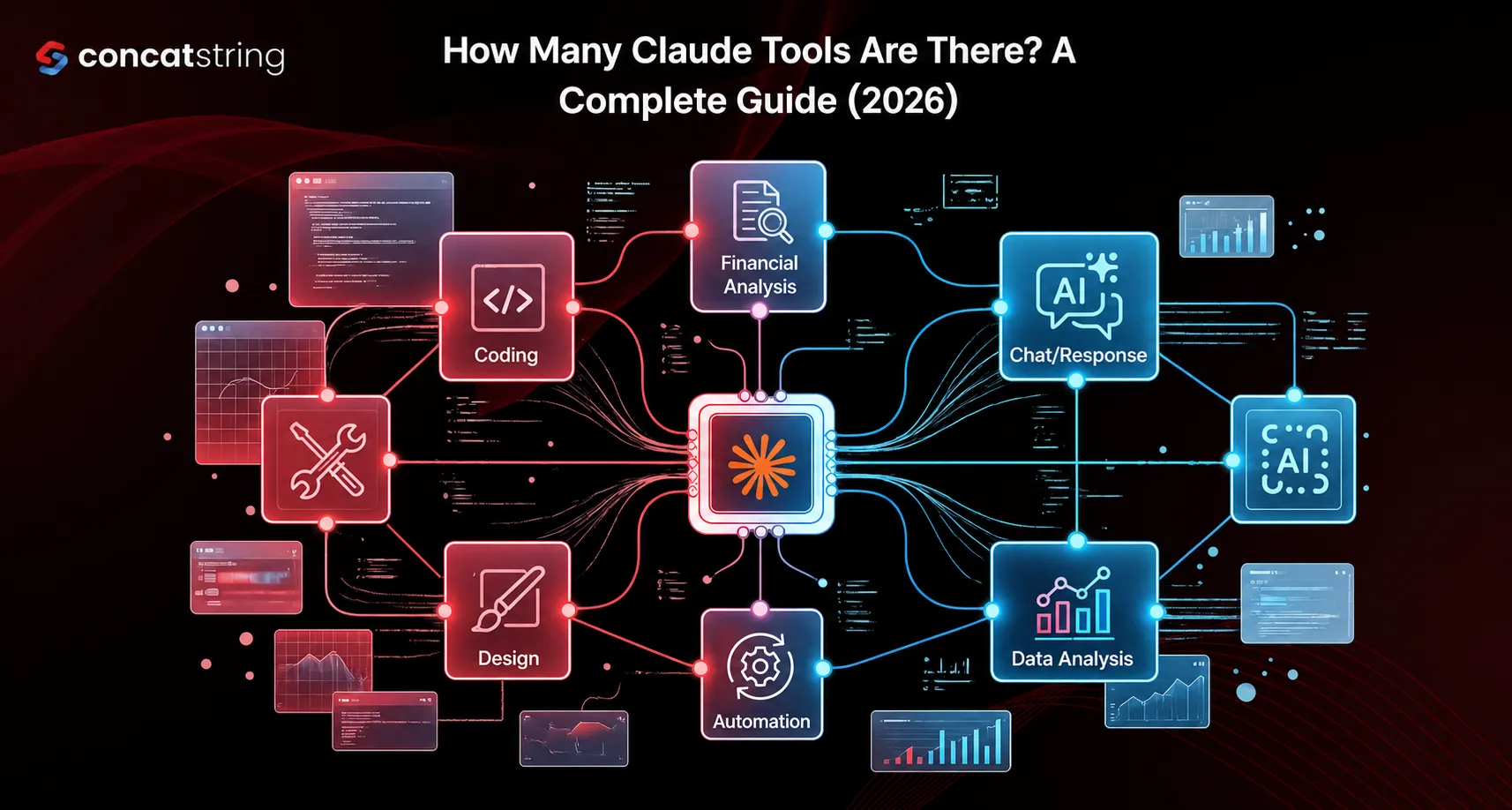
How Many Claude Tools Are There in 2026?
Technically, Claude has dozens of tools, integrations, and APIs, including:
- Developer tools (Claude Code, API tools)
- Enterprise tools (security, automation)
- Creative connectors (Adobe, Blender, etc.)
But for everyday users and businesses, the ecosystem can be simplified into 5 core Claude-style tools that matter most.
The 5 Most Powerful Claude Tools (Explained Simply)
These are not official product names — they represent real use cases built on Claude’s capabilities.
1. Thinking Buddy (Your AI Brain)
What it is
A deep-thinking assistant that helps you:
- Break down complex problems
- Plan strategies
- Think step-by-step
Claude’s “adaptive thinking” lets it decide when deeper reasoning is needed.
How it helps in daily life
- Business strategy planning
- Writing detailed content
- Solving technical problems
- Decision making
Example: Instead of asking “what should I do?”
You ask Claude → “Analyze my business and suggest a growth plan.”
2. Your Virtual Assistant (Task Automation)
What it is
Claude connected with apps and workflows to handle real-world tasks automatically.
Recent updates show Claude can interact with apps like:
- Uber
- Spotify
- Food delivery services
How it helps
- Schedule tasks
- Manage emails
- Automate workflows
- Handle repetitive work
Example: “Book a ride, send a summary to my team, and create a to-do list.”
3. In-House Designer (Creative Tool)
What it is
Claude integrated with design tools like:
- Adobe Photoshop
- Blender
- Canva
How it helps
- Create UI designs
- Generate creatives
- Edit images with prompts
- Build presentations
Example: “Design a landing page for my product” → Claude drafts + exports
4. Code Dev Team on Tap (Developer Tool)
What it is
Claude is acting like a full development team, powered by tools like Claude Code.
It can:
- Write code
- Debug systems
- Automate development workflows
How it helps
- Build apps faster
- Fix bugs instantly
- Generate scripts
- Automate backend work
Example: “Build me a SaaS landing page with backend logic.”
5. Second Brain (Knowledge System)
What it is
Claude as a memory + knowledge engine that can:
- Analyze documents
- Store insights
- Summarize information
Claude is especially strong at long document analysis and structured thinking.
How it helps
- Research work
- Study notes
- Business documentation
- Content repurposing
Example: Upload 100-page PDF → get insights in minutes
Why These Claude Tools Matter for LLM Users
If you’re using LLMs for:
- SEO
- Marketing
- Coding
- Business automation
Then Claude's tools help you:
- Reduce manual work
- Speed up execution
- Improve output quality
- Handle complex workflows
The key difference:
Claude doesn’t just respond: it executes
How to Use Claude Tools (Simple Guide)
- Choose your use case
- Writing → Thinking Buddy
- Automation → Virtual Assistant
- Coding → Dev Tool
- Give high-level instructions
Claude works best with clear goals, not small prompts - Let it iterate
Ask follow-ups instead of restarting - Combine tools
Example:
Strategy → Design → Code → Launch
FAQs About Claude Tools (SEO Focused)

.png)
.png)