CS BioLogin – Seamless Biometric Authentication

Secure your site with the touch of a finger
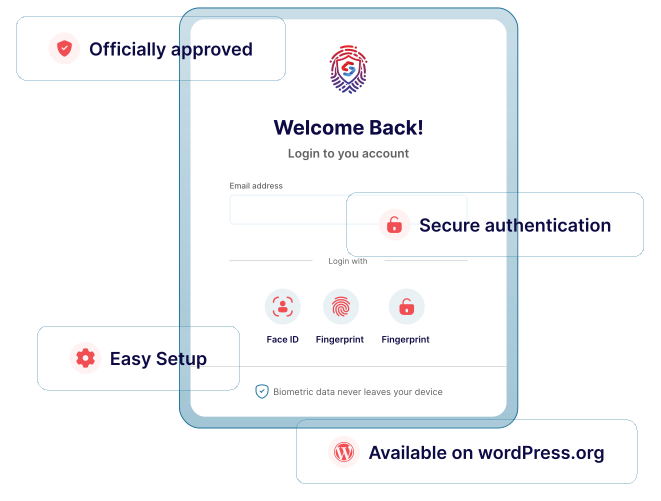
CS BioLogin brings enterprise-grade biometric security to your WordPress site. By leveraging the WebAuthn API, your users can log in using the hardware they already trust—iPhone FaceID, Android Fingerprint sensors, or Windows Hello.
Powerful features for peace of mind
We measure success by business impact, not just completed tasks.

- One-touch loginEnable TouchID, FaceID, and Fingerprint scanning for all user roles.
- Webathons poweredUses the most secure, modern web standards for hardware-level authentication.
- Multi-device supportCompatible with Chrome, Safari, Firefox, and Edge on mobile and desktop.
- Passwordless experienceOptionally allow users to skip the password field entirely.
- Highly compatibleWorks seamlessly with the default WordPress login page and popular membership plugins.
How it works
Simple, transparent process designed to deliver fast, scalable, and result-driven website development
01
Install plugin
Download and activate CS BioLogin from the WordPress repository.
02
User registration
Users link their hardware (phone/laptop) via their account dashboard.
03
Seamless login
Log in with a single touch or glance.
Why BioLogin?
Other login plugins
- Prone to phishing and "brute force" attacks.
- Hassle of remembering complex strings.
- Vulnerable to keyloggers and password leaks.
CS BioLogin
- Hardware-level security ensures the person is physically present.
- No more cart abandonment due to forgotten passwords.
- Highly compatible with native OS security layers.
Security by design
For the best experience with CS BioLogin, you may need to allow passkey management within your preferred password manager settings, or temporarily disable autofill prompts if they conflict with the device's native OS prompt (like Windows Hello or Apple TouchID).
Note on Password Managers: If you have browser extensions installed likeZoho Auth, LastPass, 1Password, Bitwarden, or Dashlane, these tools may sometimes intercept or overwrite the native biometric popup windows.
99%
Phishing protection
3x
Faster login speed
0
Stored biometric data
256+
Encryption standard




