Is Webflow Better Than WordPress? A Complete Comparison for Choosing the Right Website Platform in 2026

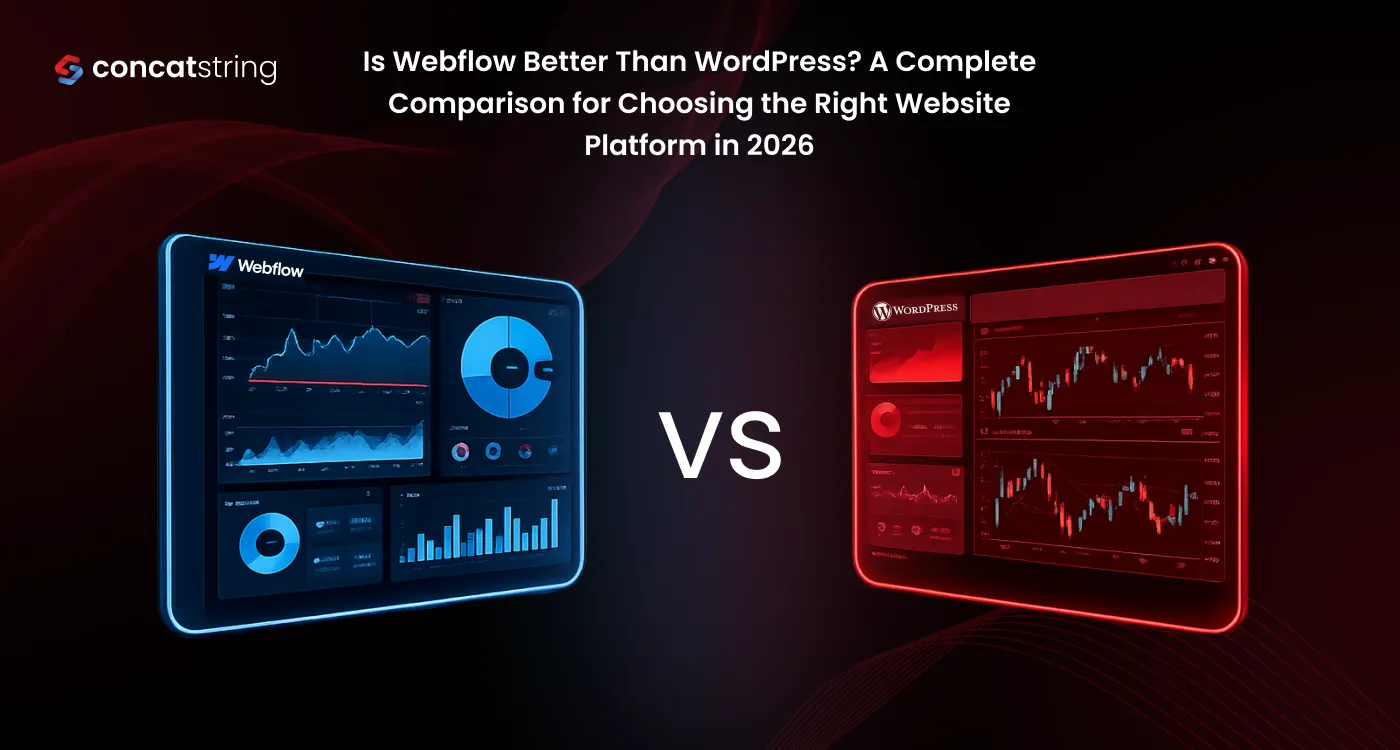
Table of Contents
Use AI to summarize this article
What Is Webflow?
Webflow is a visual website development platform that allows users to design, build, manage, and launch websites without relying heavily on manual coding. Unlike traditional CMS systems, Webflow combines design, CMS, hosting, SEO controls, and deployment into one unified platform. It generates clean semantic HTML, CSS, and JavaScript automatically, enabling businesses to create production-grade websites visually while maintaining developer-level output quality. In 2026, Webflow has evolved beyond being just a website builder into a full Website Experience Platform (WXP), making it ideal for businesses focused on performance, scalability, and design precision.
Key Features of Webflow
Webflow offers a visual drag-and-design builder with real CSS-level control, built-in CMS for dynamic content, integrated hosting with global CDN infrastructure, advanced animation and interaction tools, native SEO settings, AI-powered optimization features, and enterprise-grade security. It also includes staging workflows, backups, localization tools, and collaborative editing, eliminating the need for multiple third-party plugins.
Pros and Limitations of Webflow
The biggest advantage of Webflow is its ability to deliver premium website quality without requiring heavy coding resources. Businesses benefit from faster launch cycles, lower maintenance costs, fewer technical issues, and better performance consistency. Its structured ecosystem reduces plugin conflicts and security vulnerabilities. The main limitation is that Webflow may require some initial learning for users unfamiliar with visual web design systems, and extremely complex backend custom applications may still need developer support.
What Is WordPress?
WordPress is an open-source content management system originally built for blogging and now used for many types of websites. It is highly flexible because of its massive ecosystem of themes and plugins. However, WordPress typically requires separate hosting, manual plugin setup, regular updates, security monitoring, and ongoing maintenance management, which can increase technical complexity over time.
Key Features of WordPress
WordPress provides theme-based website building, plugin extensibility, customizable CMS structures, blogging capabilities, ecommerce integration through WooCommerce, and access to thousands of third-party tools. Its open-source nature makes it adaptable, but much of its power depends on external plugins and developer intervention.
Pros and Limitations of WordPress
WordPress offers broad flexibility and a huge ecosystem, making it useful for highly customized projects. However, that flexibility often creates fragmented workflows. Plugin conflicts, update compatibility issues, slower speeds due to bloated themes, and recurring maintenance costs are common disadvantages. For many businesses in 2026, WordPress demands more time and technical resources than Webflow for achieving the same quality output.
Detailed Comparison of Webflow and WordPress
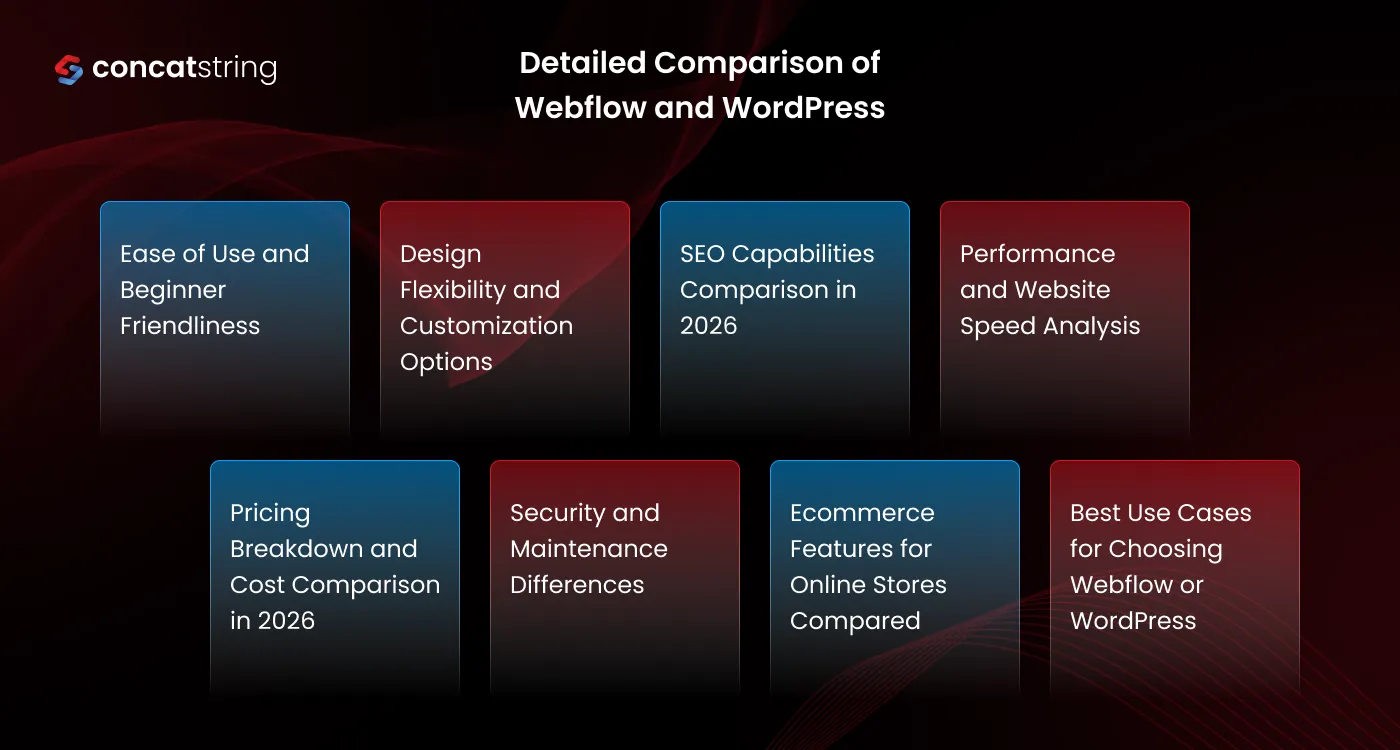
Ease of Use and Beginner Friendliness
Webflow is increasingly more beginner-friendly for modern businesses because its visual editor allows teams to design and publish directly without plugin dependency. WordPress often appears simpler initially, but real customization usually requires themes, builders, plugin installations, and troubleshooting. Webflow’s unified interface creates a smoother workflow, especially for startups and growing brands.
Design Flexibility and Customization Options
Webflow clearly leads in design precision. Designers can build pixel-perfect responsive layouts visually while maintaining clean production-ready code. WordPress customization often depends on third-party themes that limit creative freedom unless custom development is added. For premium web design quality, Webflow is the stronger platform in 2026.
SEO Capabilities Comparison in 2026
Webflow includes native SEO controls such as meta titles, descriptions, canonical tags, redirects, sitemap generation, schema flexibility, and AI optimization tools built directly into the platform. WordPress often requires multiple SEO plugins to match this functionality. Webflow’s integrated SEO environment creates cleaner, faster, and more reliable optimization workflows.
Performance and Website Speed Analysis
Webflow websites generally load faster because hosting, CDN delivery, code output, and infrastructure are optimized together in one ecosystem. WordPress performance heavily depends on hosting quality, caching plugins, theme efficiency, and plugin load. In 2026, Webflow consistently delivers superior speed performance with less technical effort.
Pricing Breakdown and Cost Comparison in 2026
Although WordPress may appear cheaper initially, real costs accumulate through hosting fees, premium themes, plugin subscriptions, maintenance services, security tools, backups, and developer fixes. Webflow bundles hosting, security, CMS, backups, and performance tools into predictable pricing. For most companies, Webflow becomes more affordable in total ownership cost while delivering better quality at the same budget.
Security and Maintenance Differences
Webflow has a major advantage because security patches, hosting updates, SSL, backups, and infrastructure maintenance are handled automatically. WordPress requires manual monitoring of core updates, plugin vulnerabilities, theme compatibility, and malware risks. Businesses wanting peace of mind and lower maintenance overhead benefit significantly from Webflow.
Ecommerce Features for Online Stores Compared
Webflow Ecommerce is ideal for design-led online stores that need branding flexibility and premium storefront experiences. WordPress with WooCommerce is powerful but often requires more setup, plugin management, and technical maintenance. For businesses prioritizing design quality and easier management, Webflow is often the better ecommerce choice.
Best Use Cases for Choosing Webflow or WordPress
Webflow is best for businesses seeking premium design, scalable marketing websites, startup launches, SaaS sites, agency projects, portfolios, and modern ecommerce experiences. WordPress is still suitable for legacy systems or projects needing highly specialized plugin ecosystems. However, for most new websites launched in 2026, Webflow is the smarter long-term investment because it reduces complexity while improving quality.
Conclusion
In 2026, Webflow is the better choice for most businesses compared to WordPress because it aligns with modern website demands: no-code/low-code efficiency, lower maintenance costs, faster performance, stronger security, and higher design quality. While WordPress remains flexible, its fragmented ecosystem creates more overhead and technical debt. Webflow offers a cleaner, smarter, and more affordable path to building high-performing websites, making it the preferred platform for companies that value quality, scalability, and future-ready digital growth.
FAQs