Webflow + HubSpot Integration: The Ultimate Marketing Website Stack

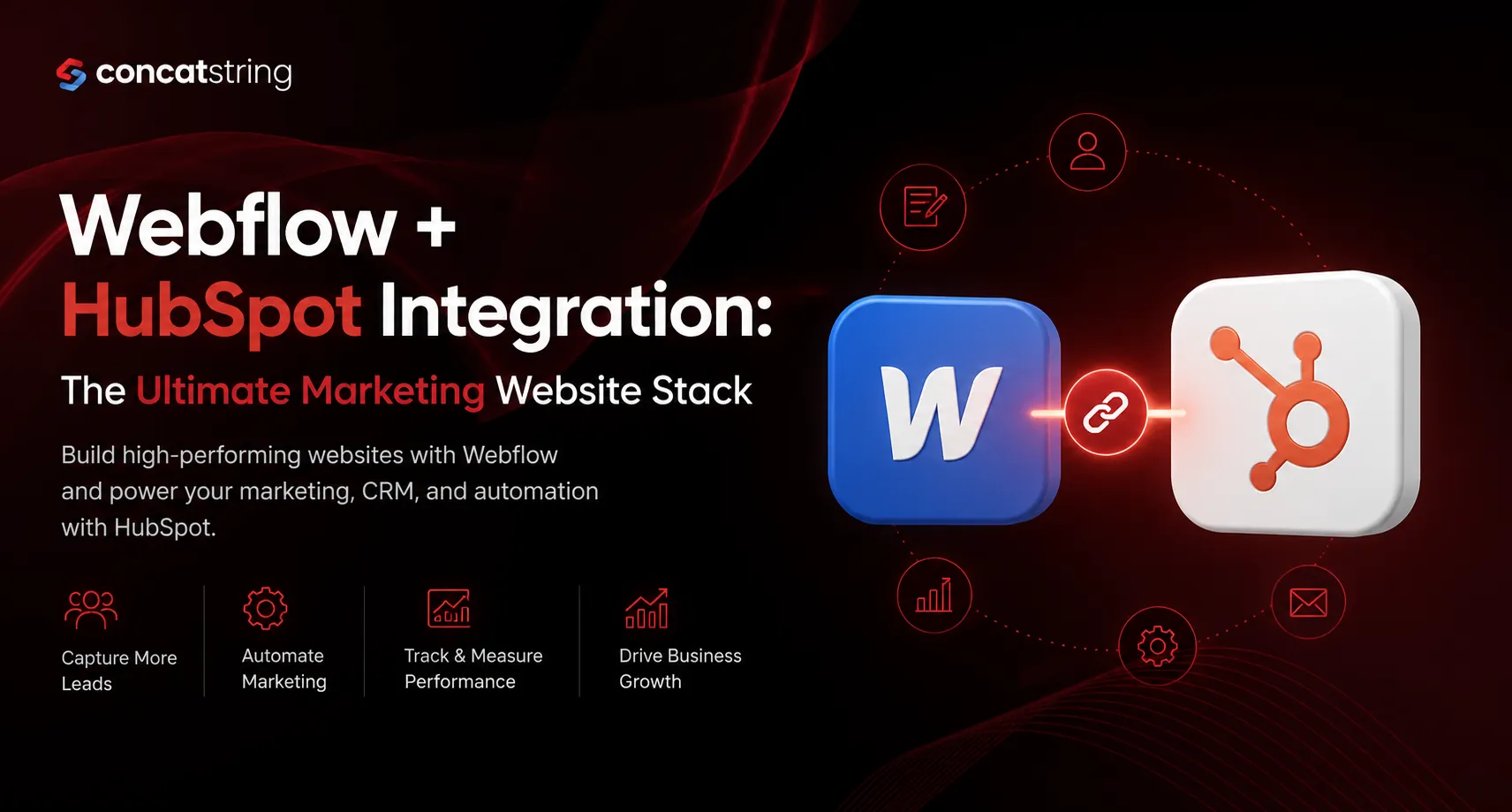
Modern marketing websites are expected to do much more than look visually appealing. They need to attract qualified traffic, convert visitors into leads, and provide marketers with actionable customer data. With businesses increasingly investing in digital experiences, combining Webflow and HubSpot integration has become one of the most effective ways to build websites that are fast, scalable, and conversion-focused. According to HubSpot, companies using CRM-driven inbound marketing generate significantly more qualified leads, while Webflow empowers marketing teams to publish and optimize websites without relying on developers. Together, they create a powerful foundation for sustainable business growth.
Source: https://www.hubspot.com/state-of-marketing
Source: https://webflow.com/
Table of Contents
Use AI to summarize this article
Why Businesses Are Choosing Webflow and HubSpot Integration
A marketing website should never be treated as a digital brochure. It is often the first interaction a potential customer has with your brand, making every page an opportunity to educate, engage, and convert.
This is where Webflow and HubSpot integration delivers exceptional value. Webflow provides complete control over design, performance, and content management, while HubSpot acts as the intelligence layer that captures leads, automates communication, and measures marketing performance.
Instead of managing a disconnected website and CRM, businesses can create a unified ecosystem where website interactions automatically feed into their sales and marketing workflows.
The result is faster lead response, better personalization, improved reporting, and a smoother customer journey.
Understanding the Role of Each Platform
Although Webflow and HubSpot solve different problems, they complement each other exceptionally well.
Webflow is designed for modern website development. It enables marketers and designers to build visually stunning, responsive websites with an enterprise-grade CMS while maintaining excellent SEO performance and fast page speeds.
HubSpot, on the other hand, centralizes customer information. Every form submission, marketing campaign, email interaction, and customer conversation becomes part of a single CRM, helping sales and marketing teams work from the same data.
When these two platforms are integrated, website visitors seamlessly become CRM contacts without requiring manual data entry or complicated workflows.
How Webflow and HubSpot Integration Works
The integration connects your website with your marketing ecosystem.
When a visitor fills out a form, downloads an ebook, requests a demo, or subscribes to a newsletter, the information is instantly pushed into HubSpot.
From there, HubSpot can automatically:
- Create new contacts
- Trigger email workflows
- Notify sales teams
- Assign lead scores
- Segment audiences
- Track lifecycle stages
- Measure campaign attribution
This automation eliminates repetitive tasks while ensuring no valuable lead slips through the cracks.
Key Benefits of Webflow and HubSpot Integration
Better Lead Capture Without Compromising Design
Many businesses struggle because their marketing forms limit creativity or negatively affect user experience.
Webflow allows complete freedom to design landing pages and forms that align perfectly with your brand. Once integrated with HubSpot, every submission is automatically synchronized with your CRM.
This means marketers no longer have to choose between beautiful design and marketing functionality.
Faster Marketing Campaign Launches
Marketing teams frequently need new landing pages for product launches, webinars, events, or advertising campaigns.
With Webflow, these pages can be designed and published quickly without waiting for lengthy development cycles.
Once connected to HubSpot, every landing page immediately supports lead capture, email nurturing, analytics, and campaign reporting.
This dramatically reduces campaign launch time while improving operational efficiency.
Complete Customer Journey Tracking
One of the biggest advantages of integrating HubSpot is visibility.
Instead of simply knowing that someone filled out a form, you gain insight into their complete journey.
You can identify:
- Which page they visited first
- Which campaign generated the lead
- Which content they downloaded
- How many emails they opened
- When they became sales-qualified
- Whether they converted into a customer
This level of reporting helps marketing teams optimize campaigns based on actual revenue instead of vanity metrics.
Better Collaboration Between Marketing and Sales
Without a connected CRM, marketing teams often generate leads that sales teams struggle to qualify.
With HubSpot integration, every interaction is automatically recorded.
Sales representatives receive context before making contact, including pages viewed, forms completed, downloads, and previous communications.
This creates more meaningful conversations and significantly improves lead conversion rates.
SEO Advantages of Using Webflow
One reason businesses increasingly adopt Webflow is its strong SEO capabilities.
Webflow provides clean semantic code, customizable metadata, automatic XML sitemaps, schema flexibility, responsive design, and excellent page performance.
Fast-loading websites improve user experience while also contributing to stronger search visibility.
According to Google, page experience remains an important ranking consideration, making website performance an essential part of any SEO strategy.
Source: https://developers.google.com/search/docs/fundamentals/page-experience
When these SEO capabilities generate organic traffic, HubSpot ensures those visitors don't simply leave, they become measurable marketing opportunities.
Marketing Automation Becomes Significantly More Powerful
Generating leads is only half the equation.
The real opportunity lies in nurturing them.
Once a visitor enters HubSpot through your Webflow website, marketing automation begins working immediately.
Instead of manually following up with every inquiry, businesses can automatically deliver welcome emails, educational resources, case studies, appointment reminders, and personalized content.
These automated workflows improve engagement while reducing manual workload for marketing teams.
Common Webflow and HubSpot Integration Use Cases
The flexibility of this technology stack makes it suitable for businesses across multiple industries.
A SaaS company can use Webflow to publish product landing pages while HubSpot manages free trial signups and onboarding sequences.
A B2B consulting firm can capture consultation requests, automatically assign leads to regional sales representatives, and nurture prospects through educational email campaigns.
An enterprise organization can centralize lead management across multiple marketing campaigns while giving local teams access to relevant customer information.
Because the platforms scale effectively, businesses rarely outgrow this combination.
Best Practices for a Successful Integration
Successful integration involves more than simply connecting two platforms.
Start by defining how customer data should flow through your organization. Every form should collect only essential information while aligning with your CRM properties.
Landing pages should maintain consistent branding, messaging, and conversion goals.
It is equally important to establish lead lifecycle stages inside HubSpot before launching campaigns. This ensures every new contact automatically follows the appropriate nurturing workflow.
Regular testing should also become part of your marketing process. Forms, workflows, email automations, and CRM synchronization should be reviewed after every major website update.
These small operational improvements prevent data inconsistencies and ensure accurate reporting.
Challenges Businesses Should Avoid
Although the integration is straightforward, some common mistakes reduce its effectiveness.
Many organizations collect excessive information in forms, creating unnecessary friction that lowers conversion rates.
Others fail to map CRM fields correctly, resulting in incomplete customer records.
Some businesses also launch automation workflows without proper segmentation, causing irrelevant emails to reach prospects.
The most successful implementations focus on simplicity, data quality, and continuous optimization rather than adding unnecessary complexity.
Is Webflow and HubSpot Integration Right for Your Business?
If your business relies on inbound marketing, content marketing, SEO, paid advertising, or lead generation, integrating Webflow with HubSpot is a logical investment.
Instead of treating your website, CRM, and marketing automation as separate systems, they become a connected growth engine.
Marketing teams gain greater flexibility.
Sales teams receive better-qualified leads.
Leadership gains more accurate reporting.
Most importantly, customers enjoy a smoother, more personalized digital experience from their very first interaction with your brand.
Conclusion
Today's marketing websites are expected to deliver measurable business outcomes, not simply showcase a company's services. By combining Webflow's modern website development capabilities with HubSpot's CRM and marketing automation platform, businesses can create a scalable digital ecosystem that supports lead generation, customer engagement, and long-term growth.
Rather than managing disconnected tools, Webflow and HubSpot integration enables organizations to streamline operations, improve marketing efficiency, and make smarter decisions using real customer data. For businesses looking to build a website that performs as well as it looks, this combination represents one of the strongest technology stacks available.
Looking to build a high-performing marketing website with seamless Webflow and HubSpot integration? Concatstring helps businesses create fast, scalable, conversion-focused websites that connect effortlessly with HubSpot CRM and marketing automation. Whether you're launching a new website or upgrading your existing digital presence, our team can help you build a solution designed for long-term growth.
FAQs