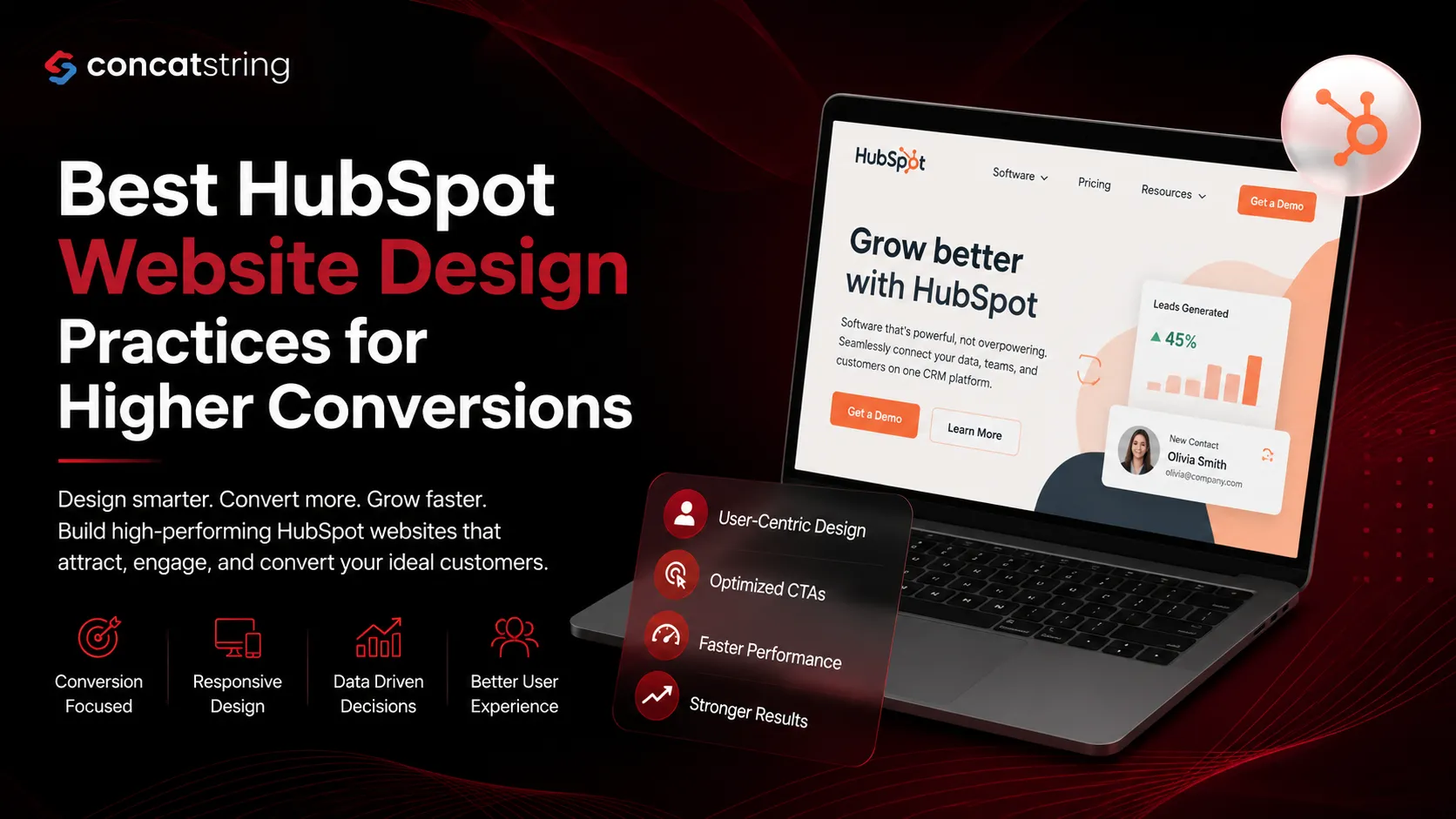
A well-designed website is one of the most influential factors in converting visitors into customers. According to HubSpot, companies that prioritize user experience and conversion optimization consistently generate more qualified leads than those that focus only on aesthetics. At the same time, Google's research shows that users form an opinion about a website within milliseconds, making first impressions critical. Implementing effective HubSpot website design practices helps businesses create faster, smarter, and conversion-focused websites that align marketing, sales, and customer engagement. This guide explores proven strategies to maximize conversions while delivering an exceptional user experience.
Table of Contents
Use AI to summarize this article
Why HubSpot Website Design Matters for Business Growth
Your website serves as the digital foundation of your marketing strategy. Every campaign, advertisement, email, and social media effort eventually directs visitors to your website. If that experience feels confusing, slow, or untrustworthy, even the most successful marketing campaigns struggle to generate meaningful results.
HubSpot website design goes beyond creating visually appealing pages. It combines content management, marketing automation, CRM integration, analytics, and personalization into a unified platform. This allows businesses to create websites that continuously support lead generation, customer engagement, and sales growth rather than functioning as static online brochures.
Unlike traditional website platforms that often require multiple third-party integrations, HubSpot enables marketers and developers to collaborate efficiently while keeping customer data centralized. This integration simplifies optimization efforts because every visitor interaction contributes to actionable business insights.
Organizations using CRM-connected websites often gain a better understanding of customer behavior, enabling them to personalize user experiences and improve conversion opportunities.
Understanding Conversion-Focused Website Design
Many businesses mistakenly believe that an attractive design automatically leads to higher conversions. In reality, effective website design balances aesthetics with usability, accessibility, content clarity, and conversion psychology.
A conversion-focused HubSpot website removes unnecessary distractions and guides visitors toward specific goals. Whether the objective is booking a consultation, requesting a demo, downloading a guide, or making a purchase, every page should support a clear user journey.
Successful conversion optimization starts by understanding visitor intent. Someone discovering your business for the first time needs educational content, while returning visitors may be ready to contact your team or request pricing information. HubSpot's personalization capabilities make it easier to present relevant content based on visitor behavior, lifecycle stage, or CRM data.
Rather than overwhelming users with numerous competing actions, high-converting websites create logical pathways that encourage confidence and reduce friction throughout the buying process.
Build Every Page Around a Single Conversion Goal
One of the most effective HubSpot website design practices is assigning a primary conversion objective to every page.
Many websites attempt to accomplish too much simultaneously. Visitors are presented with multiple forms, dozens of navigation options, promotional banners, pop-ups, and competing calls-to-action. This often leads to decision fatigue and lower conversion rates.
Instead, every landing page should answer one simple question: "What action should the visitor take next?"
For example, a service page may encourage visitors to schedule a consultation, while a resource page focuses on downloading an industry guide. A blog article may invite readers to subscribe to a newsletter or request a free assessment.
HubSpot's built-in landing page tools allow marketers to create targeted experiences with customized CTAs, forms, and thank-you pages, making it easier to measure campaign effectiveness.
Create an Intuitive Navigation Experience
Website navigation directly impacts both user satisfaction and conversion rates.
Visitors should never struggle to locate essential information. Complicated navigation menus increase bounce rates and reduce engagement because users become frustrated before discovering your value proposition.
An effective navigation structure prioritizes clarity over creativity. Instead of using clever menu labels, use straightforward terminology that matches visitor expectations. Categories should be organized logically, making it easy to move between products, services, resources, pricing, and contact pages.
HubSpot allows businesses to build flexible navigation systems while maintaining consistency across the website. Combined with smart content capabilities, navigation can even adapt based on user behavior or audience segments.
Simple navigation also improves search engine crawling, helping search engines understand your website architecture more efficiently.
Improve Website Speed for Better Conversions
Website speed influences both search rankings and conversion performance.
Research from Google indicates that slower websites experience significantly higher bounce rates as page load time increases. Even minor delays can reduce user satisfaction and negatively impact revenue.
HubSpot's hosting infrastructure includes content delivery networks, optimized asset delivery, security monitoring, and performance improvements that help businesses maintain fast-loading websites without extensive server management.
However, platform performance alone is not enough. Designers should also optimize images, reduce unnecessary animations, compress files, minimize unused scripts, and prioritize essential content above the fold.
Fast websites create a smoother browsing experience, encourage deeper engagement, and increase visitor confidence.
Prioritize Mobile-First Design
Mobile devices now generate the majority of website traffic across most industries. Designing primarily for desktop experiences often leads to poor usability on smartphones and tablets.
A mobile-first HubSpot website ensures that visitors can easily browse pages, complete forms, read content, and navigate menus regardless of screen size.
Responsive layouts, readable typography, properly sized buttons, simplified forms, and optimized media contribute to better engagement across all devices.
Google also uses mobile-first indexing, meaning the mobile version of your website plays a significant role in determining search rankings.
Businesses that consistently optimize for mobile experiences often benefit from improved engagement, lower bounce rates, and stronger conversion performance.
Use Strategic Calls-to-Action Instead of Generic Buttons
Calls-to-action are among the most influential elements of conversion-focused website design.
Generic buttons such as "Submit" or "Click Here" rarely communicate value. Instead, every CTA should explain the benefit users receive after taking action.
For example, replacing "Contact Us" with "Schedule Your Free HubSpot Consultation" immediately provides greater clarity and encourages higher engagement.
HubSpot enables businesses to personalize CTAs based on visitor lifecycle stages, referral sources, previous interactions, and CRM data. This level of personalization allows returning visitors to receive different offers than first-time users, increasing overall relevance.
Effective CTAs also rely on thoughtful placement. Rather than relying on a single button at the bottom of the page, strategically position calls-to-action throughout long-form content where visitor interest naturally increases.
Design Forms That Encourage Completion
Lead generation forms are often the final step before conversion, making their design especially important.
Long forms requesting excessive information discourage users from completing submissions. Businesses should only ask for information that directly supports the next stage of the customer journey.
HubSpot's progressive profiling features help solve this challenge by gradually collecting additional information from returning visitors instead of requesting everything during the first interaction.
This creates a smoother user experience while maintaining high-quality lead data for marketing and sales teams.
Form design should also emphasize simplicity through clear labels, helpful error messages, mobile optimization, and minimal distractions surrounding the submission area.
Personalize the User Experience with HubSpot Smart Content
Modern website visitors expect experiences tailored to their interests rather than generic messaging. Personalization has become a key differentiator for businesses looking to improve engagement and conversion rates. HubSpot's Smart Content features enable organizations to display different calls-to-action, banners, forms, or content based on CRM data, device type, referral source, country, or lifecycle stage.
For example, a first-time visitor arriving from an organic search may benefit from an educational guide, while a returning lead who has already downloaded that resource could instead see an invitation to schedule a consultation. Existing customers can be presented with support resources, product updates, or opportunities to upgrade their services.
Personalization reduces friction because users receive content that aligns with their current needs instead of repeating information they have already seen. It also strengthens customer relationships by making interactions feel more relevant and intentional.
According to HubSpot, personalized experiences help businesses improve engagement while supporting more effective lead nurturing throughout the customer journey.
Build Trust Through Thoughtful Design
Visitors rarely convert unless they trust your business. Trust is established through multiple design elements working together rather than a single feature.
A professional HubSpot website should communicate credibility from the moment users land on the homepage. Consistent branding, high-quality visuals, clear messaging, and transparent navigation all contribute to a positive first impression. Contact information should be easy to locate, while service pages should clearly explain what your business offers and how clients benefit.
Customer testimonials, verified reviews, certifications, industry awards, and recognizable client logos further reinforce credibility. When visitors see evidence that other businesses have achieved positive results, they become more confident in taking the next step.
Security also plays an important role in trust. HTTPS encryption, privacy policies, cookie notices, and secure forms reassure visitors that their information is protected. HubSpot provides enterprise-grade security features, SSL certificates, and ongoing platform monitoring to help businesses maintain secure websites.
Rather than overwhelming visitors with promotional messaging, trust-focused websites emphasize clarity, transparency, and expertise throughout every page.
Optimize Content for Both Search Engines and Users
An attractive website has limited value if potential customers cannot find it. Effective HubSpot website design should support a strong SEO strategy that improves visibility while delivering an excellent user experience.
Every page should target a clear search intent. Service pages should answer commercial queries, while blogs and resource pages should educate users and address common questions. Headings should follow a logical hierarchy using H2 and H3 tags, making content easier for both readers and search engines to understand.
Internal linking also plays an important role. Connecting related pages helps visitors explore your website naturally while distributing authority across important pages. For example, a blog discussing HubSpot implementation can link to your HubSpot development services, CRM consulting, or inbound marketing pages.
Images should include descriptive alt text, URLs should remain clean and readable, and metadata should accurately describe page content. These practices improve accessibility while supporting stronger search performance.
HubSpot's built-in SEO recommendations further simplify optimization by identifying opportunities related to page performance, metadata, content quality, and technical improvements.
Focus on Accessibility to Reach Every Visitor
Accessibility is no longer optional. A website should be usable by people with varying abilities and across different devices.
Designing for accessibility improves usability for everyone, not just users with disabilities. Clear typography, sufficient color contrast, descriptive headings, keyboard navigation, image alt text, and readable layouts all contribute to a better browsing experience.
Accessible websites often experience lower bounce rates because users can navigate content more efficiently. They also demonstrate a commitment to inclusivity, strengthening brand reputation and customer trust.
Following accessibility best practices also helps future-proof your website as digital accessibility standards continue to evolve.
Measure Performance and Continuously Optimize
Launching a website is only the beginning. High-performing HubSpot websites improve over time through continuous analysis and optimization.
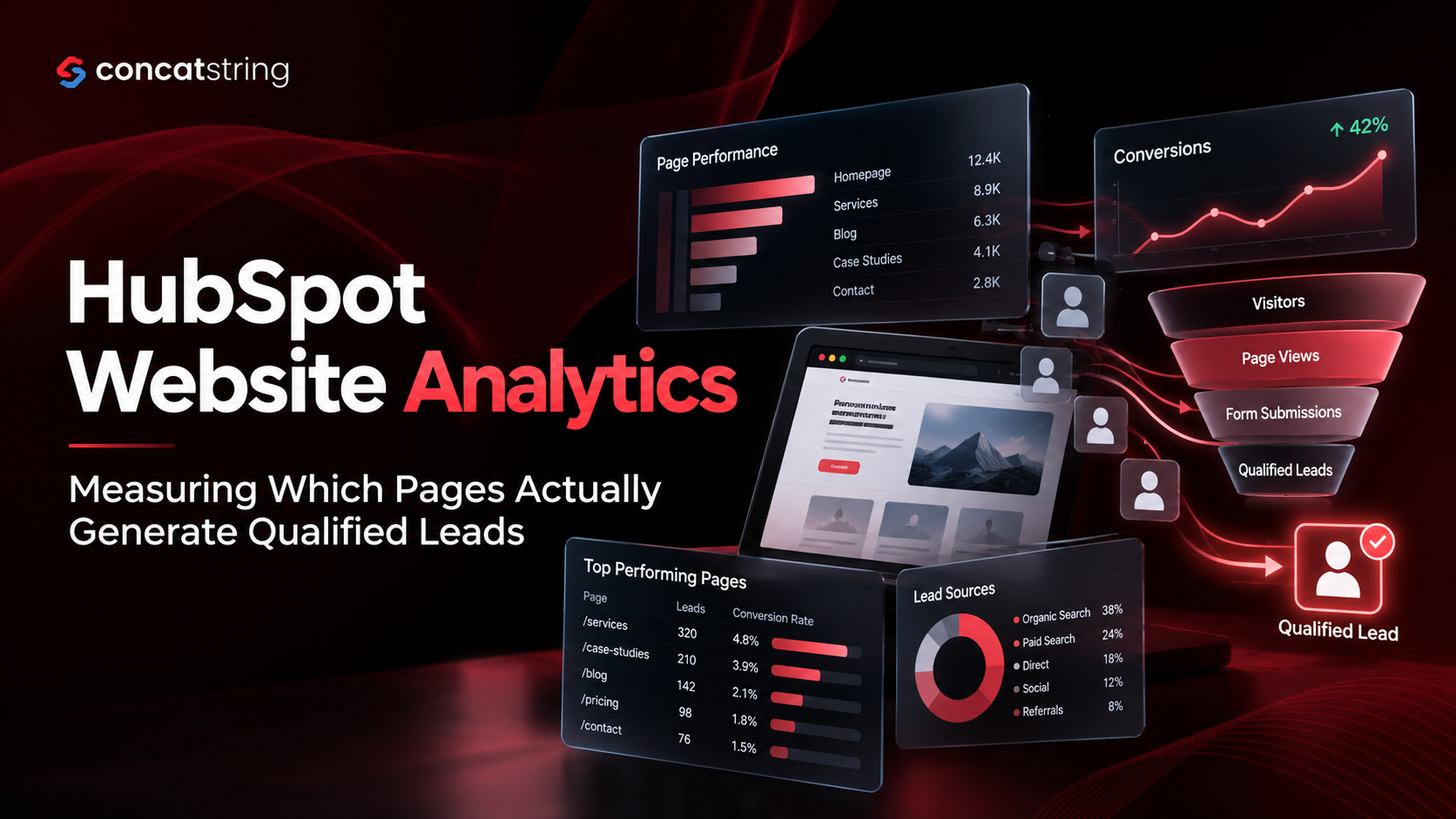
HubSpot's analytics dashboard enables businesses to monitor traffic sources, conversion rates, user behavior, form submissions, and campaign performance from a centralized platform. Instead of relying on assumptions, teams can make informed decisions based on real visitor data.
Regularly reviewing heatmaps, session recordings, landing page performance, and conversion funnels helps identify areas where users encounter friction. Small improvements such as simplifying navigation, rewriting headlines, adjusting CTA placement, or shortening forms can collectively produce meaningful increases in conversions.
Businesses that treat optimization as an ongoing process consistently outperform those that consider website design a one-time project.
Use A/B Testing to Improve Conversion Rates
Every audience behaves differently, making experimentation an essential part of conversion optimization.
HubSpot supports A/B testing for landing pages, emails, and calls-to-action, allowing businesses to compare different variations and identify which performs better. Instead of redesigning an entire website based on assumptions, marketers can test individual elements while measuring measurable outcomes.
For example, changing a headline, button color, hero image, or CTA wording may significantly improve click-through rates. Testing different form lengths, page layouts, or content structures can also reveal opportunities for increased engagement.
Successful A/B testing focuses on one variable at a time. This ensures that improvements are based on reliable data rather than multiple simultaneous changes that make results difficult to interpret.
According to HubSpot, organizations that continuously test and optimize their digital experiences are better positioned to improve lead generation and marketing performance over time.
Common HubSpot Website Design Mistakes to Avoid
Even businesses using a powerful platform like HubSpot can make design decisions that reduce conversions. One of the most common mistakes is prioritizing visual complexity over usability. Excessive animations, cluttered layouts, and competing calls-to-action often distract users from completing meaningful actions.
Another frequent issue is inconsistent branding across different pages. When typography, colors, messaging, or design styles change unexpectedly, visitors may question the professionalism of the business.
Ignoring mobile optimization remains another major challenge. Since mobile users represent a significant portion of website traffic, slow-loading pages or poorly designed mobile experiences can result in lost leads.
Many organizations also fail to analyze website performance after launch. Without reviewing analytics, businesses miss opportunities to improve user experience and increase conversion rates through ongoing optimization.
Finally, publishing content without considering search intent limits long-term organic visibility. Every page should answer a specific user need while supporting broader marketing objectives.
Future Trends in HubSpot Website Design
Website design continues to evolve alongside customer expectations and technological advancements. Artificial intelligence, conversational experiences, predictive personalization, and interactive content are becoming increasingly common across high-performing websites.
HubSpot continues expanding its AI capabilities to help marketers create content more efficiently, personalize customer journeys, and improve campaign performance. Businesses that embrace these innovations while maintaining a strong focus on usability will be better positioned to compete in increasingly crowded digital markets.
At the same time, simplicity remains timeless. Clean layouts, intuitive navigation, fast loading speeds, valuable content, and customer-focused messaging will continue driving conversions regardless of changing design trends.
Rather than chasing every new visual trend, businesses should prioritize user experience, measurable performance, and continuous optimization.
Conclusion
An effective HubSpot website design combines attractive visuals with strategic thinking, technical performance, and customer-centric experiences. From creating clear navigation and mobile-friendly layouts to leveraging personalization, analytics, and A/B testing, every design decision should support a measurable business objective.
Businesses that consistently optimize their websites based on user behavior rather than assumptions are more likely to generate qualified leads, improve customer satisfaction, and achieve sustainable long-term growth. By treating your website as an evolving business asset instead of a one-time project, you can create digital experiences that convert visitors into loyal customers.
Your website should do more than look impressive; it should generate qualified leads, nurture prospects, and support business growth. At ConcatString, we design high-performing HubSpot websites that combine exceptional user experience with conversion-focused strategies. Whether you're launching a new HubSpot CMS website or optimizing an existing one, our team helps you build scalable digital experiences that deliver measurable results. Get in touch with ConcatString to create a HubSpot website that turns more visitors into customers.
FAQs