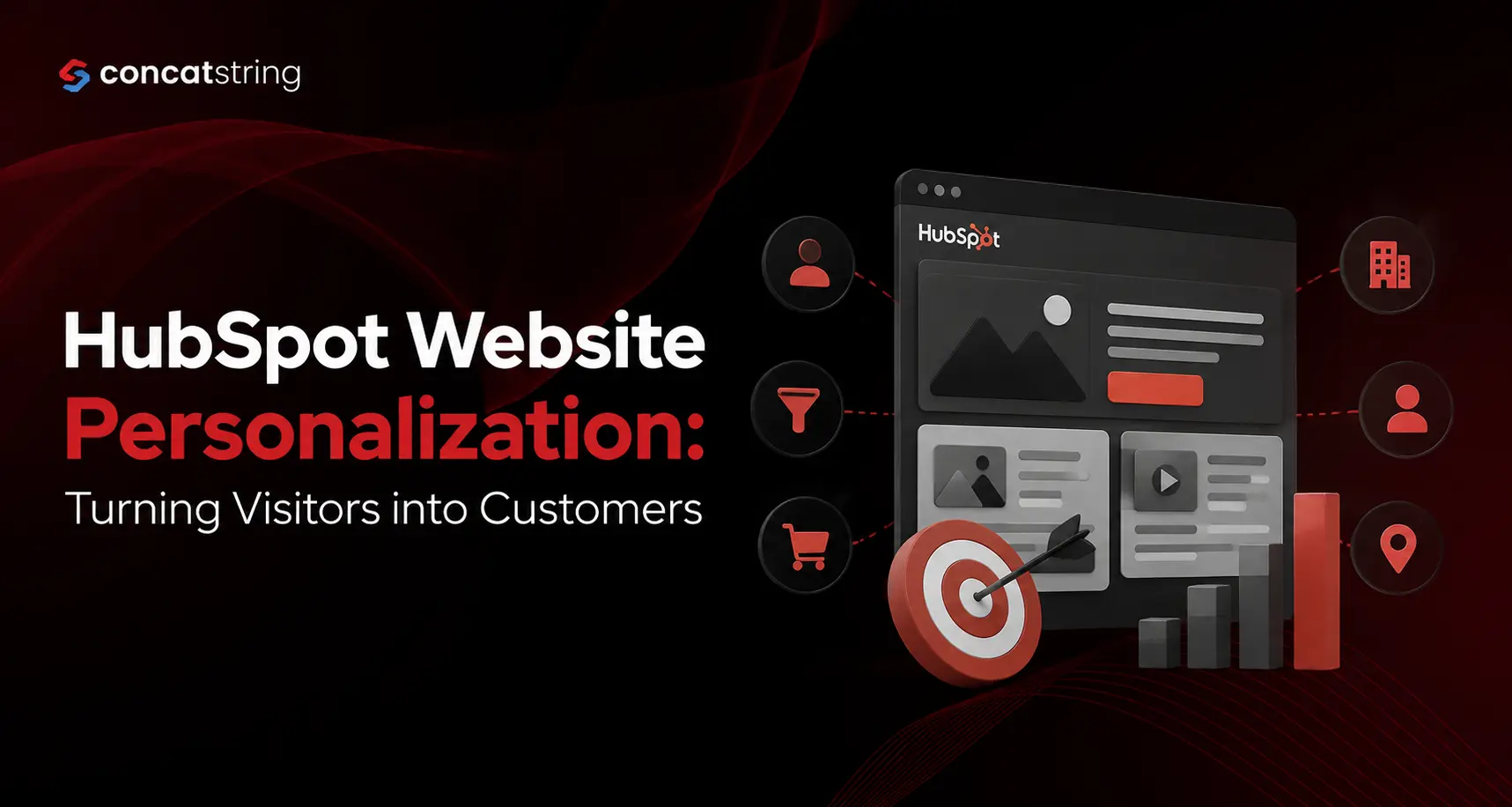
According to HubSpot's State of Marketing research, personalized customer experiences continue to be one of the biggest drivers of engagement and conversion, while McKinsey reports that companies excelling at personalization can generate up to 40% more revenue than competitors. For B2B SaaS companies, where buyers expect relevant experiences throughout lengthy sales cycles, HubSpot Website Personalization provides an effective way to deliver tailored content, improve lead quality, and increase conversions. This guide explains how personalization works, why it matters, and how your business can implement it successfully.
Source:
Table of Contents
Use AI to summarize this article
Why Website Personalization Matters for B2B SaaS
The modern SaaS buyer rarely converts after a single visit. Most prospects spend days or even weeks researching solutions, comparing vendors, reading blogs, and exploring product pages before speaking with sales.
During this journey, generic websites create friction. Visitors have different needs depending on their industry, company size, buying stage, and previous interactions with your brand.
HubSpot Website Personalization allows businesses to replace one-size-fits-all experiences with content tailored to each visitor. Instead of showing identical messaging to everyone, companies can present personalized CTAs, product recommendations, case studies, pricing guidance, and educational resources that align with individual interests.
The result is a smoother buying journey and significantly higher engagement.
What Is HubSpot Website Personalization?
HubSpot Website Personalization enables businesses to dynamically modify website content based on visitor data stored inside HubSpot CRM.
Personalization can use information such as:
- Lifecycle stage
- Industry
- Company size
- Device type
- Geographic location
- Referral source
- Previous page visits
- CRM properties
- Marketing email interactions
- Existing customer status
Rather than manually creating dozens of websites, marketers build smart content that automatically adapts based on visitor attributes.
This creates a more relevant experience while reducing manual work.
How HubSpot Personalization Works
HubSpot combines CRM data, behavioral analytics, cookies, and marketing automation to determine which content should appear for each visitor.
For example:
New Visitor
A first-time visitor arriving from Google may see:
- Educational blog content
- Beginner's guides
- Industry reports
- Introductory CTAs
Marketing Qualified Lead
Someone who has downloaded multiple resources may instead see:
- Product comparison pages
- Demo invitations
- ROI calculators
- Customer success stories
Existing Customer
Customers returning to your website might receive:
- Product updates
- Knowledge base resources
- Upsell opportunities
- Customer webinars
The experience evolves automatically as contacts move through the buyer journey.
Benefits of HubSpot Website Personalization
Higher Conversion Rates
Visitors engage more when content directly addresses their needs.
Relevant messaging removes uncertainty, builds trust, and encourages action at every stage of the buying process.
According to McKinsey, companies that lead in personalization consistently outperform competitors in revenue growth.
Better Lead Quality
Instead of encouraging every visitor to take the same action, personalization presents offers appropriate for each stage.
Examples include:
- Educational content for awareness
- Product demos for consideration
- Pricing consultations for decision-stage buyers
This results in more qualified leads entering the sales pipeline.
Improved Customer Experience
Modern buyers expect personalized digital experiences.
Salesforce research consistently shows customers expect companies to understand their unique needs and preferences.
HubSpot helps businesses meet these expectations without requiring extensive custom development.
Source:
https://www.salesforce.com/resources/research-reports/state-of-the-connected-customer/
Shorter Sales Cycles
When prospects quickly find information relevant to their business challenges, they spend less time searching and more time evaluating your solution.
Sales teams receive better-informed leads, making conversations more productive.
Key HubSpot Personalization Features
Smart Content
Smart Content dynamically changes website sections based on visitor characteristics.
Examples include:
- Hero banners
- Homepage messaging
- Landing pages
- Resource recommendations
- Call-to-action buttons
Smart CTAs
Rather than displaying identical buttons to every visitor, HubSpot can show different CTAs depending on lifecycle stage.
For example:
- Download Guide
- Request Demo
- Book Strategy Call
- Start Free Trial
Each CTA aligns with visitor intent.
CRM Integration
One of HubSpot's biggest strengths is its native CRM integration.
Marketing, sales, and customer service teams share the same customer data, enabling consistent personalization across channels.
Behavioral Tracking
HubSpot tracks:
- Pages viewed
- Downloads
- Email opens
- Clicks
- Form submissions
- Session history
These insights help determine which content should appear next.
Practical Personalization Strategies for B2B SaaS Companies
Personalize the Homepage
Returning visitors shouldn't always see the same homepage.
Instead:
- Show relevant industry messaging.
- Highlight customer stories from similar businesses.
- Display personalized product benefits.
Customize Landing Pages
Landing pages convert better when aligned with campaign intent.
For example:
A cybersecurity SaaS company targeting healthcare organizations can feature:
- HIPAA compliance messaging
- Healthcare case studies
- Industry-specific testimonials
instead of generic product information.
Personalize Blog Recommendations
If someone repeatedly reads articles about marketing automation, recommend:
- Related blog posts
- Product features
- Automation templates
- Demo requests
This keeps visitors engaged and moves them toward conversion.
Show Industry-Specific Case Studies
A CFO evaluating enterprise software wants different proof than a startup founder.
HubSpot allows businesses to present customer success stories matching the visitor's company profile.
This builds credibility faster.
Dynamic Lead Magnets
Instead of promoting one ebook everywhere, personalize offers based on browsing behavior.
Examples:
- SEO guide
- CRM checklist
- Revenue growth report
- SaaS onboarding template
Each visitor receives the most relevant resource.
Common Personalization Mistakes to Avoid
Over-Personalization
Personalization should feel helpful, not invasive.
Avoid referencing sensitive information in ways that surprise visitors.
Poor Data Quality
Personalization is only as effective as the CRM data supporting it.
Regularly clean contact records and maintain accurate segmentation.
Ignoring Mobile Users
Many SaaS buyers research products on multiple devices.
Ensure personalized experiences remain responsive across desktops, tablets, and smartphones.
Personalizing Everything
Not every page requires dynamic content.
Focus personalization efforts on high-impact pages such as:
- Homepage
- Pricing
- Product pages
- Landing pages
- Resource center
Measuring Success
Monitor key performance indicators including:
- Website conversion rate
- Demo requests
- Marketing Qualified Leads (MQLs)
- Sales Qualified Leads (SQLs)
- Average session duration
- Bounce rate
- Customer acquisition cost
- Pipeline contribution
- Revenue influenced by marketing
HubSpot's reporting dashboards make it easy to attribute conversions to personalized campaigns.
Best Practices for Successful HubSpot Website Personalization
Successful personalization starts with a clear strategy rather than simply enabling every available feature. Begin by identifying your highest-value audience segments and mapping content to each stage of the buyer journey. Use CRM data responsibly, test different messages through A/B experiments, and refine your approach based on performance metrics.
Ensure marketing and sales teams share a unified view of customer data so visitors experience consistent messaging across your website, emails, and sales outreach. Review personalization rules regularly to keep them aligned with evolving customer needs and product offerings.
Internal Linking Suggestions
Consider linking this article with:
- HubSpot CRM Implementation Guide
- HubSpot Marketing Automation Services
- B2B SaaS Lead Generation Strategies
- HubSpot CMS Development Services
- HubSpot Sales Hub Implementation
- Marketing Automation Best Practices
Conclusion
HubSpot Website Personalization has become a competitive advantage for B2B SaaS companies looking to convert more website visitors into qualified leads and loyal customers. By leveraging CRM data, behavioral insights, and smart content, businesses can deliver experiences that are timely, relevant, and engaging throughout the buyer journey.
Rather than presenting the same message to every visitor, personalization ensures prospects see the content, offers, and calls to action that best match their needs. When implemented strategically and measured consistently, it improves customer experience, increases conversion rates, shortens sales cycles, and drives sustainable revenue growth.
If you're ready to transform your website into a high-performing lead generation engine, Concatstring can help. Our team specializes in HubSpot CMS development, CRM implementation, marketing automation, and website personalization strategies tailored for B2B SaaS companies. Contact Concatstring today to build personalized digital experiences that convert more visitors into customers and accelerate business growth.
FAQs