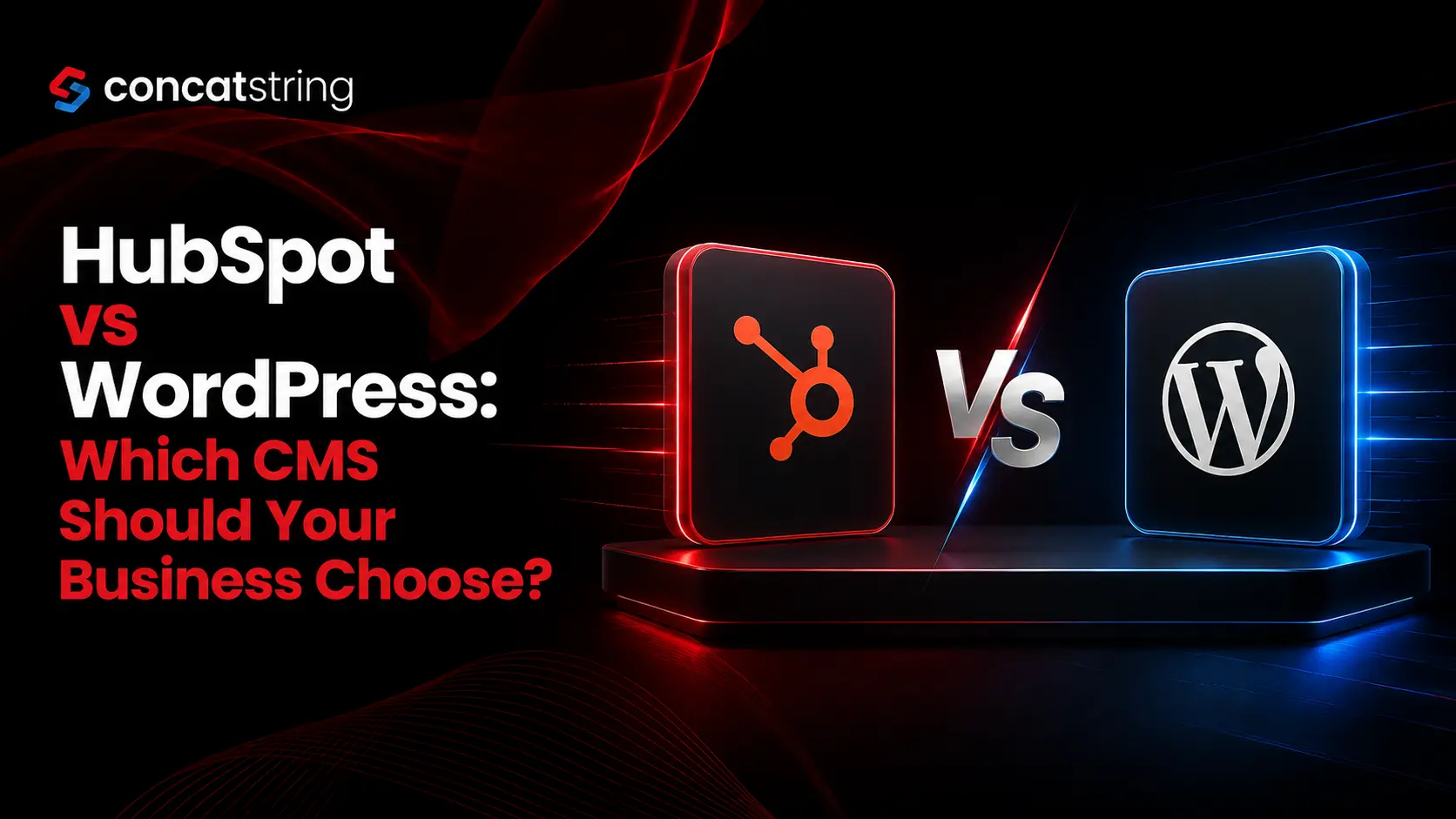
HubSpot vs WordPress: Which CMS Should Your Business Choose?
Choosing a content management system is no longer just a website decision. Your CMS affects how quickly your team can publish content, how easily your website can generate leads, how much control developers have, how your SEO strategy evolves, and how much your website costs to maintain over time. That makes the HubSpot vs WordPress decision particularly important for growing businesses. WordPress currently powers 41.2% of all websites, representing 59.1% of websites with a known CMS, while HubSpot CMS holds a much smaller but business-focused position.
Table of Contents
Use AI to summarize this article
HubSpot vs WordPress: What Is the Difference?
At a fundamental level, HubSpot and WordPress approach website management differently.
HubSpot is designed as part of a broader customer platform. Its CMS is closely connected with marketing, CRM, analytics, forms, personalization, lead generation, and other business functions. HubSpot describes its CMS as a platform designed to help businesses drive traffic, generate leads, and grow revenue, with features such as cloud hosting, drag-and-drop editing, analytics, themes, and integration with its customer platform.
WordPress takes a different approach. It is an open-source CMS that gives businesses extensive control over their website and allows functionality to be expanded through themes, plugins, custom development, and integrations. According to WordPress.org, the platform has thousands of plugins and can be modified or extended for commercial projects without licensing fees.
The simplest way to understand the difference is this: HubSpot is built around an integrated business ecosystem, while WordPress is built around flexibility and extensibility.
Neither approach is automatically better.
The right choice depends on how your business operates today, what your website needs to accomplish, how much technical control you require, and where you expect the business to be several years from now.
Why Does Choosing the Right CMS Matter for Business Growth?
A CMS can look like a technical decision when you are selecting one, but its consequences are commercial.
For example, imagine a company that publishes several articles every week, runs paid campaigns, captures leads through landing pages, tracks visitor behavior, and wants its sales team to understand where those leads originated. A CMS that handles content well but requires several external tools for marketing and customer data may create unnecessary complexity.
Now consider a development-heavy company that needs a highly customized website, advanced integrations, unusual content structures, and complete control over hosting and the technology stack. That company may value flexibility more than having marketing functionality built into the same platform.
This is why businesses should not choose between HubSpot and WordPress based only on which platform has more features. The better question is: Which CMS fits the way your business wants to attract, convert, manage, and retain customers?
WordPress: Why Is It So Popular?
WordPress has an enormous advantage in ecosystem maturity and adoption.
As of July 2026, W3Techs reports that WordPress is used by 41.2% of all websites and 59.1% of websites whose CMS is known.
That scale matters because it has created a huge ecosystem of developers, agencies, themes, plugins, hosting providers, tutorials, integrations, and third-party services.
WordPress also provides considerable freedom. The core platform can be extended through plugins, customized through themes, and modified through code. WordPress.org specifically highlights thousands of plugins for adding functionality such as forms, SEO controls, galleries, calendars, forums, and social features.
For a business, this means WordPress can adapt to many different requirements.
A small professional-services company can use it for a straightforward corporate website. A publisher can build a content-heavy media platform. An ecommerce business can add ecommerce functionality. A large organization can build custom content structures and integrations around the WordPress ecosystem.
That flexibility is one of WordPress's greatest strengths.
It is also one of its biggest responsibilities.
Because WordPress can be extended with so many components, the quality of the final website depends heavily on implementation. Poorly selected plugins, outdated components, excessive customizations, weak hosting, or poorly written code can create maintenance and performance challenges.
In other words, WordPress gives you significant control, but that control comes with ownership responsibilities.
WordPress Features and Platform Information
HubSpot: Why Do Businesses Choose It?
HubSpot takes a more integrated approach.
Instead of treating the website as an isolated asset, HubSpot connects the CMS with a wider customer platform. Its CMS offering includes tools for website creation, content management, analytics, forms, and customer journeys, while its cloud-based infrastructure reduces the need for businesses to separately manage traditional website hosting.
This can be particularly valuable for marketing-led businesses.
Suppose your marketing team needs to create a landing page, publish a campaign, capture a visitor's information, measure conversions, and pass that information to the sales team. An integrated platform can reduce the number of separate systems involved in that process.
The value of HubSpot therefore goes beyond the website editor itself.
It is particularly compelling when the website is a core part of a company's demand-generation strategy and when marketing, sales, and customer data need to work together.
HubSpot also offers drag-and-drop editing and managed cloud hosting, which can make day-to-day website management easier for teams that do not want to depend heavily on developers for routine changes.
That does not mean HubSpot is the better choice for every organization.
Businesses that need extensive customization, specialized functionality, or a very specific technology stack may prefer the openness of WordPress.
HubSpot vs WordPress for SEO
SEO is one of the most important areas to evaluate because both platforms can support strong search performance.
WordPress has a long-standing reputation as an SEO-friendly CMS. WordPress.org states that the platform is optimized for search engines out of the box and that additional SEO controls can be added through plugins.
This creates a highly customizable SEO environment.
With WordPress, businesses can choose from different SEO tools, caching systems, schema solutions, image optimization tools, redirects, analytics integrations, and other technologies. Experienced developers can also control technical SEO elements at a granular level.
HubSpot takes a more integrated approach to SEO. Instead of building an SEO technology stack from numerous independent plugins, businesses can manage website content and marketing activities within the broader HubSpot environment.
The practical difference is not that one platform can rank and the other cannot.
Both can support effective SEO.
The bigger difference is how much control versus convenience your team wants.
If your SEO team has developers and wants maximum technical flexibility, WordPress can be an excellent choice. If your marketing team wants an integrated environment where content, campaigns, analytics, forms, and customer data are connected, HubSpot can be more convenient.
Ultimately, search rankings depend on far more than the CMS. Content quality, search intent, technical performance, internal linking, authority, user experience, structured data, backlinks, and ongoing optimization all matter.
HubSpot vs WordPress for Website Design and Customization
When it comes to customization, WordPress generally has the broader ecosystem.
Because WordPress is open source, developers can modify the code, create custom themes, develop plugins, integrate external systems, and build highly specialized experiences. WordPress.org explicitly emphasizes that users can extend or modify the platform and use it for commercial projects without licensing fees.
This is particularly useful for organizations with unusual requirements.
A business may need a custom calculator, member portal, directory, booking system, multilingual architecture, complex product database, or integration with an internal application. WordPress can often accommodate these requirements through custom development and its extensive ecosystem.
HubSpot can also support sophisticated websites, but its philosophy is different. The emphasis is more heavily placed on creating and managing business websites within a managed ecosystem.
For marketing teams, that can be an advantage.
For development teams that want complete architectural freedom, WordPress may be more attractive.
The important question is not whether customization exists. It is whether the level of customization available aligns with your actual business requirements.
Which CMS Is Easier for Non-Technical Teams?
For routine marketing activities, HubSpot can be especially attractive.
Its drag-and-drop editing and integrated website tools are designed to allow teams to manage content without requiring developers for every small change.
This can matter when a marketing department needs to publish a landing page quickly, update campaign content, change a call-to-action, or make website adjustments without entering a development queue.
WordPress can also be easy to use, particularly after a well-designed implementation. Its publishing interface is familiar to millions of users, and modern themes and page-building tools can make editing relatively straightforward.
However, the experience can vary considerably depending on how a WordPress website has been built.
A carefully engineered WordPress site can be extremely easy for marketing teams to manage. A poorly structured one can become difficult to maintain.
So when comparing ease of use, the CMS itself is only part of the equation. Implementation quality matters just as much.
HubSpot vs WordPress for Security
Security deserves careful consideration because the two platforms have different management models.
With HubSpot's managed cloud environment, businesses do not have to approach website infrastructure in exactly the same way they would with a self-managed WordPress installation. HubSpot promotes premium cloud hosting and security as part of its CMS offering.
WordPress gives businesses more control, but that also means organizations must pay attention to their hosting environment, updates, plugins, themes, backups, access controls, and security practices.
The issue is not that WordPress is inherently insecure.
WordPress powers a massive percentage of the web, and its ecosystem includes mature security tools and professional hosting solutions. However, its openness means that implementation and maintenance decisions have a substantial impact on security.
For businesses with limited technical resources, a more managed environment may be appealing.
For businesses with strong development and infrastructure capabilities, WordPress's control can be a valuable advantage.
Which CMS Has a Lower Total Cost?
Cost comparisons between HubSpot and WordPress can be misleading if you only compare software prices.
WordPress itself is open source and available without licensing fees, but a real WordPress website may involve hosting, premium themes, plugins, development, maintenance, security, backups, performance optimization, and ongoing support. WordPress.org confirms that the core software can be used and modified without licensing fees.
HubSpot operates around a broader commercial platform, so businesses should evaluate the cost of the specific HubSpot products, features, seats, limits, and services they require.
The correct comparison is therefore not simply:
WordPress = cheap
and
HubSpot = expensive.
Instead, businesses should calculate total cost of ownership.
That means considering the initial implementation, monthly or annual platform costs, developer requirements, maintenance, third-party software, integrations, security, analytics, marketing tools, and the internal time required to operate the system.
A company that spends less on software but requires significant technical support may ultimately have a higher operational cost.
A company that pays more for an integrated platform may save time and reduce the number of disconnected tools it needs.
HubSpot vs WordPress for Content Marketing
Content marketing is another area where the decision depends on the organization's workflow.
WordPress is exceptionally strong for publishing. Its history as a publishing platform and its enormous ecosystem make it an obvious choice for blogs, resource centers, publications, and content-heavy websites.
Its flexibility also allows organizations to build sophisticated content architectures around categories, taxonomies, custom post types, authors, resources, and other content structures.
HubSpot's advantage appears when content is closely connected to lead generation and marketing operations.
If the goal is not simply to publish an article but to turn website visitors into leads, understand their interactions, connect those interactions with customer records, and use the data in broader marketing and sales workflows, an integrated platform can be highly valuable.
This is where the difference between the two platforms becomes strategic.
WordPress is excellent at being a flexible content foundation.
HubSpot is designed to make the website part of a broader customer-growth system.
Which CMS Is Better for B2B Companies?
For many B2B organizations, HubSpot deserves serious consideration.
B2B websites often need to do more than present information. They need to attract qualified traffic, publish educational content, capture leads, support campaigns, personalize experiences, and provide useful information to sales teams.
HubSpot's connection between CMS capabilities and its broader customer platform can make that workflow more centralized. Its official CMS offering emphasizes traffic generation, lead generation, revenue growth, analytics, forms, and customer journeys.
WordPress can absolutely support B2B marketing as well.
In fact, organizations with sophisticated development teams may prefer WordPress because it allows them to create a highly customized website and connect it with whatever CRM, marketing automation, analytics, and business systems they choose.
The decision comes down to whether the business values integration and operational simplicity more than technology flexibility.
Which CMS Is Better for Small Businesses?
For a small business, WordPress can be attractive because of its broad ecosystem, flexibility, and ability to start with a relatively simple website and expand it over time.
A local service company, consultant, startup, or small professional business may not need a comprehensive marketing platform immediately. A well-built WordPress website can provide everything required to establish an online presence, publish content, generate inquiries, and grow.
HubSpot becomes more compelling when marketing operations become a major priority.
If the business is actively investing in inbound marketing, lead nurturing, CRM processes, campaign measurement, and conversion optimization, having these capabilities connected to the website can justify choosing HubSpot.
The key is to avoid paying for complexity you do not need.
A CMS should support your current business model while giving you a realistic path toward future growth.
Which CMS Is More Scalable?
Both platforms can scale, but they scale in different directions.
WordPress scales through flexibility. Developers can extend the platform, optimize infrastructure, introduce custom architecture, and connect it with external systems. Its enormous market adoption demonstrates that the platform can support websites ranging from small blogs to large and complex digital properties.
HubSpot scales through integration.
As a business grows its marketing operations, having website content, forms, analytics, campaigns, and customer information within a connected ecosystem can reduce operational fragmentation.
This means your definition of scalability matters.
If scalability means more technical freedom and more custom functionality, WordPress may be the stronger option.
If scalability means more connected marketing and customer operations with less platform fragmentation, HubSpot may be the better fit.
HubSpot vs WordPress: Which CMS Is Better for Your Business?
There is no universal winner in the HubSpot vs WordPress debate.
WordPress is generally the stronger choice when flexibility, ownership, customization, content publishing, and control over the technology stack are major priorities.
HubSpot is generally the stronger choice when integrated marketing, lead generation, CRM connectivity, analytics, managed infrastructure, and operational simplicity are more important.
A content-heavy publisher may lean toward WordPress.
A development-focused organization with complex technical requirements may also lean toward WordPress.
A B2B company whose website is central to inbound marketing and lead generation may find HubSpot more attractive.
A growing company with a small marketing team may appreciate HubSpot's integrated workflow, while a company with an established technical team may prefer the freedom of WordPress.
The best CMS is ultimately the one that minimizes friction between your website strategy and your business strategy.
What Should You Consider Before Making the Final Decision?
Before selecting a CMS, look beyond the feature checklist.
Start by defining what your website needs to accomplish over the next three to five years. If the website is primarily a publishing and brand platform, WordPress may provide everything you need. If it is expected to become a central component of your marketing and sales engine, HubSpot may provide more built-in infrastructure for that purpose.
Next, evaluate your internal capabilities.
Ask whether your team has developers who can maintain the website, whether marketers need to make frequent changes independently, how many third-party tools you currently use, and whether your organization wants to manage hosting and technical infrastructure.
Then consider your growth model.
A CMS should not only solve today's problems. It should avoid creating unnecessary limitations tomorrow.
This is particularly important when migrating from one platform to another. A CMS migration can affect URLs, redirects, content structures, metadata, analytics, integrations, page performance, and organic search visibility. The right platform therefore needs to be selected with both immediate requirements and long-term architecture in mind.
HubSpot vs WordPress: Final Verdict
If your priority is maximum flexibility, customization, ownership, and access to a massive open-source ecosystem, WordPress remains one of the strongest CMS choices available. Its 41.2% share of all websites demonstrates just how widely the platform is used, while its plugin and development ecosystem allows businesses to build highly customized digital experiences.
If your priority is connecting your website with marketing, lead generation, analytics, customer data, and a broader business platform, HubSpot offers a compelling alternative. Its CMS is designed around a managed environment and integrated customer-growth capabilities.
The smartest decision is not to ask which CMS is more popular or which platform has more features.
Ask which platform will help your team publish faster, attract the right audience, convert more visitors, manage the website efficiently, and support the company's growth without creating unnecessary technical or operational complexity.
For some businesses, that answer will be WordPress.
For others, it will be HubSpot.
And for a growing business, making that decision based on strategy rather than trends can save significant time, money, and effort over the life of the website.
How concatstring Can Help You Choose the Right CMS
Choosing between HubSpot and WordPress becomes easier when the decision is based on your actual business goals rather than a generic feature comparison. concatstring can help you evaluate your website requirements, content strategy, marketing workflow, customization needs, scalability expectations, and long-term digital goals so you can build on a CMS that supports sustainable growth.
Whether your business needs the flexibility of WordPress or the integrated capabilities of HubSpot, the goal should be the same: create a fast, search-friendly, conversion-focused website that works as a genuine business asset rather than simply an online brochure.
FAQs