How to Integrate AI Chatbots Into Your Business Website Without Hurting User Experience

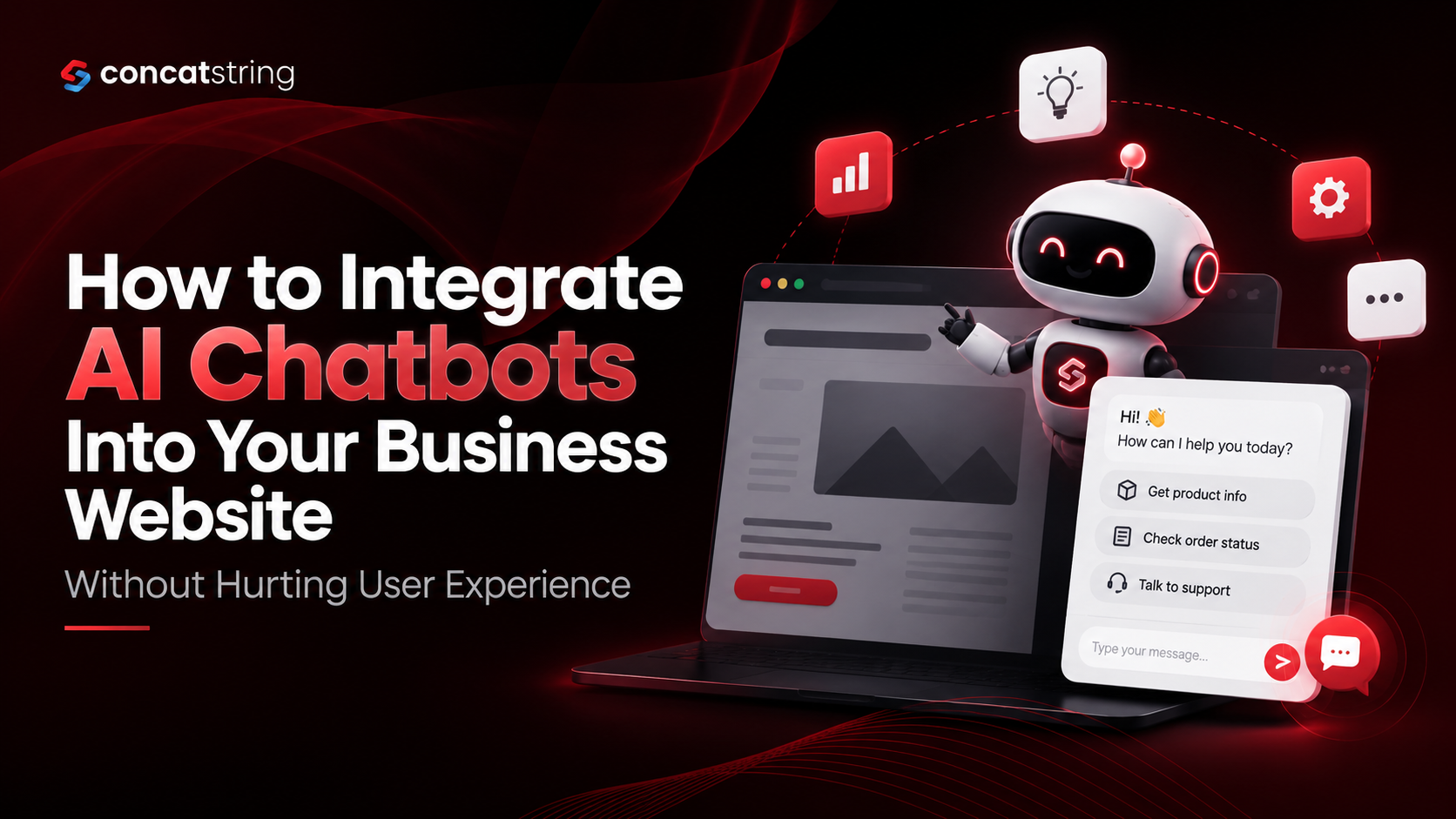
AI chatbots are changing how businesses handle customer enquiries, provide support, and guide website visitors toward purchasing decisions. However, successful AI chatbot integration requires more than adding a chat widget to a website. Poorly designed chatbots can interrupt browsing, provide irrelevant answers, and frustrate potential customers. The goal is to make AI support available when visitors need it without getting in the way of their experience. By combining thoughtful user experience (UX) design, reliable information, clear escalation paths, and performance monitoring, businesses can build chatbot experiences that improve customer satisfaction while supporting measurable business goals.
Table of Contents
Use AI to summarize this article
What Is AI Chatbot Integration, and Why Does It Matter?
AI chatbot integration is the process of connecting an artificial intelligence-powered conversational tool to a business website so visitors can ask questions, find information, receive recommendations, or complete specific tasks through a chat interface. Depending on the system, the chatbot may use predefined workflows, natural language processing, a large language model (LLM), a knowledge base, or integrations with business software.
Unlike traditional rule-based chatbots that follow fixed decision trees, AI-powered chatbots can interpret a wider range of questions and generate contextually relevant responses. More advanced implementations can also retrieve approved company information, check order statuses, qualify leads, or help users navigate services.
For example, a website visitor exploring a web development agency's services might ask whether a particular technology suits their project. A well-integrated chatbot can explain the available options, ask relevant follow-up questions, and direct the visitor to the appropriate service page. The visitor receives useful guidance without having to search through multiple pages.
However, the technology itself does not guarantee a better experience. A chatbot that interrupts visitors, gives inaccurate information, or makes it difficult to contact a real person can create more friction than it removes.
Why Are Businesses Investing in AI Chatbots?
Businesses are increasingly exploring conversational AI to make customer support more accessible, streamline repetitive enquiries, and help users move through digital experiences more efficiently. According to Gartner's July 2026 survey of 3,566 B2B and B2C customers, customers were approximately three times more likely to use third-party generative AI tools than company-provided chatbots when resolving customer service issues. This highlights a challenge for businesses: simply offering a chatbot does not mean customers will find it useful.
Source: Gartner — Customer preferences for AI in customer service
For business websites, the opportunity lies in delivering a more relevant, convenient, and trustworthy experience. AI should help visitors accomplish their goals, whether that means understanding a service, resolving a common problem, or finding the right product. It should not become another obstacle between the visitor and the information they need.
How Can AI Chatbots Improve Website User Experience?
The most effective AI chatbots are designed around specific user needs rather than the novelty of the technology. Before choosing a chatbot platform or developing a custom solution, businesses should identify where visitors experience confusion, delays, or unnecessary effort.
1. Provide Immediate Answers to Common Questions
Visitors often arrive on a website with practical questions about pricing, delivery, services, availability, returns, or project requirements. If answers are difficult to find, they may leave before completing their intended action.
An AI chatbot can provide immediate assistance by retrieving information from an approved knowledge base or directing visitors to the most relevant page. For example, an eCommerce chatbot could explain a return policy, while a service-based business chatbot could clarify which services are suitable for a particular requirement.
The key is to make answers accurate, concise, and useful. A visitor asking about delivery times should receive a clear explanation of the applicable policy rather than a long, generic response about the company's commitment to customer satisfaction.
Businesses should also ensure that essential information remains accessible on the website itself. Contact details, pricing information, shipping policies, and frequently requested answers should not be hidden behind a chatbot. The chatbot should improve access to information, not replace good website navigation.
2. Help Visitors Discover Relevant Products and Services
A well-designed chatbot can act as a conversational guide, helping users narrow down options based on their needs, preferences, and budget.
Consider a business website offering multiple development services. Instead of asking visitors to understand every technical option independently, the chatbot could ask about their business model, required functionality, preferred platform, and project goals. It could then recommend relevant service pages or suggest speaking with a specialist.
This approach works best when questions are purposeful and limited to information that genuinely affects the recommendation. Asking visitors to complete a lengthy questionnaire before providing basic information can make the experience feel like a sales form disguised as a conversation.
Recommendations should also explain their reasoning where appropriate. If a chatbot suggests a particular service, it should briefly explain which stated requirement makes that option relevant. This helps visitors evaluate the recommendation rather than treating the AI's answer as unquestionable.
3. Offer Support Outside Business Hours
A website may attract visitors from different time zones or at times when the support team is unavailable. An AI chatbot can provide approved information around the clock, answer routine questions, and collect relevant details for follow-up.
However, businesses should distinguish between answering a question and resolving an issue. A chatbot may explain how to reset a password, but a complicated account-access problem might require identity verification and human intervention. Similarly, a chatbot can collect details about a service enquiry without promising that a team member will respond immediately unless that commitment is supported by the business's actual process.
Setting these expectations clearly helps preserve trust. Visitors should understand what the chatbot can do immediately, what requires further action, and when they can expect a response from a person.
How to Integrate an AI Chatbot Without Hurting User Experience
Successful AI chatbot integration begins with a defined use case and continues through interface design, technical implementation, testing, and ongoing improvement. Each stage should be evaluated according to whether it makes the visitor's journey easier.
1. Identify the Right Use Case Before Choosing a Tool
The first step is to determine what problem the chatbot should solve. Businesses sometimes start by selecting an AI platform and then attempt to find tasks for it. A better approach is to examine customer enquiries, support tickets, website search behaviour, sales conversations, and frequently visited pages.
For example, if visitors regularly ask questions already answered in a shipping policy, an eCommerce business may benefit from a chatbot that retrieves policy information. If prospects frequently struggle to identify the right service, a guided recommendation assistant may be more appropriate. If most customer problems involve sensitive account information, a chatbot may need to direct users into a secure support workflow rather than attempt to resolve everything conversationally.
A focused initial implementation also makes performance easier to evaluate. Businesses can establish a baseline for response times, support enquiries, task completion, and customer satisfaction before introducing the chatbot. Once the initial use case demonstrates value, additional capabilities can be introduced gradually.
2. Choose Between Rule-Based, AI-Powered, and Hybrid Chatbots
Not every website needs a fully generative AI chatbot. The right choice depends on the complexity of the questions, the accuracy requirements, the available data, and the consequences of an incorrect response.
A rule-based chatbot is suitable for predictable interactions, such as selecting a support category or following a simple booking workflow. It provides control over the conversation but may struggle when users phrase questions in unexpected ways.
An AI-powered chatbot is more suitable for natural-language questions, product discovery, and retrieving relevant information from a collection of documents. However, its responses require appropriate grounding, evaluation, and safeguards because generative systems can produce inaccurate answers.
A hybrid chatbot combines both approaches. It may use AI to understand a visitor's question, retrieve the relevant information, and generate an explanation while relying on deterministic workflows for actions such as submitting a form, confirming a booking, or updating an order. This division is often practical because conversational flexibility and transactional reliability are different requirements.
The objective is not to use the most advanced technology available. It is to select the simplest reliable system that meets the needs of the intended user journey.
3. Build a Reliable Knowledge Base
An AI chatbot is only as useful as the information it can access and the way that information is managed. If the underlying content is outdated, inconsistent, or incomplete, the chatbot may provide misleading answers even when the conversational interface appears polished.
Businesses should create a structured knowledge base containing approved information about their services, products, policies, processes, and frequently asked questions. Each document should have a clear owner and an update process so that changes to pricing, product availability, or business policies are reflected in the chatbot's responses.
For more complex websites, retrieval-augmented generation (RAG) can help the chatbot retrieve relevant passages from approved sources before generating an answer. For instance, when a customer asks about a return policy, the system can retrieve the current policy and use it as the basis for its response instead of relying solely on the model's general training.
RAG does not eliminate the possibility of errors. Retrieval quality, document freshness, permissions, and response generation all require testing. Businesses should also configure the chatbot to acknowledge when reliable information is unavailable rather than inventing an answer.
4. Design a Chat Interface That Does Not Interrupt Visitors
The chatbot interface should feel like a useful part of the website rather than an advertisement competing for attention. Placement, size, timing, readability, and dismissal controls all influence whether visitors choose to interact with it.
A compact chat launcher positioned in a familiar location is often a sensible starting point. On desktop, the chat panel should avoid covering essential navigation, product details, forms, or primary calls to action. On mobile devices, it should fit the available screen without making it difficult to browse or return to the underlying page.
Automatic pop-ups deserve particular care. Opening a chat window immediately when someone lands on a page can interrupt reading before the visitor understands the site's purpose. A less intrusive approach is to let visitors open the chat themselves or display a contextual prompt after a meaningful interaction, such as spending time on a support page.
The interface should also make it easy to close the chat, return to the page, and continue browsing without losing progress. Visitors should never have to interact with the chatbot simply to dismiss it.
5. Make Human Support Easy to Reach
AI should not become a barrier between customers and the support team. When a question is complex, sensitive, or outside the chatbot's capabilities, the system should offer an appropriate way to reach a person.
This is particularly important because customer expectations are not always aligned with fully automated support. In an August 2026 publication discussing its customer research, Gartner reported that 87% of surveyed customers considered access to a human agent essential when companies use generative AI for customer service.
Source: Gartner — Customers expect human support alongside AI
A practical implementation should recognize repeated misunderstandings, explicit requests for a human, and issues that require permissions or specialist judgment. It should then provide the relevant escalation option, such as live chat, a support form, a phone number, or a ticket submission workflow.
Where the system supports it, the conversation summary should be transferred to the support agent so the customer does not need to explain the entire problem again. If live support is unavailable, the chatbot should state the available alternatives and set realistic expectations about response times.
6. Protect Customer Data and Explain AI Limitations
Trust is part of user experience. Visitors need to know whether they are interacting with AI, what information they are sharing, and how their information may be used.
The chatbot should clearly identify itself as an AI assistant where appropriate and avoid pretending to be a human representative. If a conversation requires personal information, the interface should explain why that information is needed and collect only what is necessary for the task.
Businesses should review data retention, access controls, vendor processing terms, and applicable privacy requirements before deployment. Sensitive information should not be sent to third-party AI services without an appropriate legal basis, safeguards, and authorization. Authentication and payment actions should use secure, purpose-built workflows rather than relying on conversational messages alone.
The NIST Generative AI Risk Management Profile provides a useful framework for identifying and managing generative AI risks, including risks associated with reliability, privacy, and responsible deployment.
A trustworthy chatbot should also be honest about uncertainty. When the available information is insufficient, it should say so and offer a practical next step instead of presenting a guess as a confirmed fact.
How to Measure Whether Your AI Chatbot Is Helping or Hurting UX
Launching a chatbot is not the finish line. Businesses need to understand whether visitors are actually completing tasks more easily, receiving better support, and finding the information they need. Measuring only the number of conversations can be misleading because a high interaction count may indicate either strong engagement or unnecessary friction.
Track Task Completion and Resolution Quality
Task completion rate measures how often users successfully accomplish the purpose of an interaction. Depending on the chatbot's role, this could mean finding a product, locating a policy, submitting a support request, or identifying an appropriate service.
Resolution rate should be evaluated carefully. A chatbot should not count an issue as resolved merely because it generated an answer. A stronger measurement combines the interaction outcome with customer feedback, successful task completion, follow-up enquiries, or other evidence that the original problem was addressed.
For example, if a chatbot answers a delivery question but the visitor immediately opens another support conversation about the same issue, the original interaction may not have provided a satisfactory resolution. Reviewing these patterns helps businesses identify gaps in the knowledge base and improve response quality.
Monitor Engagement Without Ignoring Friction
Metrics such as chat engagement rate, abandonment rate, escalation rate, and customer satisfaction can reveal how visitors experience the chatbot. These figures should be interpreted in context rather than treated as isolated performance indicators.
A high escalation rate is not automatically a failure. It may indicate that the chatbot recognizes its limitations and transfers complicated issues to the right team. Likewise, a low abandonment rate does not prove that customers are satisfied if the chatbot makes it difficult to exit the conversation.
Businesses should combine quantitative analytics with qualitative feedback. Reviewing anonymized conversation samples, failed queries, repeated questions, and user comments can reveal why an interaction succeeded or failed. Where possible, analyze performance by device, page type, customer intent, and traffic source to identify specific usability problems.
Test Changes Before Rolling Them Out Widely
A chatbot's placement, opening message, response length, and escalation controls can affect user behaviour. Rather than changing everything at once, businesses can test one meaningful improvement at a time.
For example, compare a manually opened chat launcher with a contextual invitation on a support page. Measure whether users find answers more quickly, whether satisfaction changes, and whether important page actions become easier or harder to complete.
Use a sufficiently large and representative sample before drawing conclusions. Track important business outcomes alongside usability indicators, and retain the original experience if the change creates more friction than value.
Common AI Chatbot Integration Mistakes to Avoid
Making the Chatbot Too Aggressive
Frequent pop-ups, repeated prompts, and unsolicited sales messages can interrupt visitors who are trying to complete another task. A chatbot should respect the visitor's attention and make its availability clear without repeatedly demanding engagement.
The solution is to prioritize user-initiated interaction, use contextual prompts sparingly, and ensure the interface can be dismissed easily. Promotional messaging should also be separated from support conversations so customers can distinguish genuine assistance from marketing.
Allowing the Chatbot to Invent Answers
Generative AI systems can produce convincing responses that are factually incorrect. This becomes particularly problematic when the chatbot discusses prices, contractual terms, product compatibility, delivery commitments, or other information that influences customer decisions.
To reduce this risk, ground responses in approved sources, apply suitable confidence thresholds, test realistic and adversarial queries, and define clear fallback behaviour. High-impact answers should use verified data or established business rules wherever possible.
Ignoring Mobile and Accessibility Requirements
A chatbot that works well on a desktop can become frustrating on a mobile screen if it covers important content, obscures form fields, or makes the close button difficult to reach. Poor keyboard support and unreadable text can also exclude visitors who use assistive technologies.
Test the chatbot across common screen sizes and interaction methods. Ensure that users can open and close the interface, navigate controls using a keyboard, identify focus states, and read responses with appropriate assistive technology support. The W3C Web Content Accessibility Guidelines (WCAG) provide a recognized reference for accessible digital experiences.
Launching Without Ongoing Maintenance
A chatbot can become less useful as a business changes. New products, updated policies, revised pricing, and changes to support procedures can make previously accurate answers outdated.
Assign responsibility for reviewing the chatbot's knowledge sources, monitoring failed responses, and validating important workflows. Review performance regularly and prioritize updates according to the frequency and impact of reported problems. Continuous maintenance helps keep the chatbot useful after the initial launch.
What Does a Good AI Chatbot Integration Process Look Like?
A structured implementation process helps businesses avoid unnecessary complexity and protect the existing website experience.
Step 1: Define the objective
Identify one clear business or customer problem, such as reducing repetitive support enquiries or helping visitors discover relevant services. Establish baseline metrics before development begins.
Step 2: Prepare the information and integrations
Organize approved content, determine which business systems the chatbot needs to access, and define privacy controls, permissions, and fallback responses.
Step 3: Design and develop the interface
Integrate the chatbot with the website's existing design, navigation, and responsive layouts. Keep the interaction optional and make human support accessible.
Step 4: Test realistic user scenarios
Check common questions, ambiguous requests, incorrect assumptions, unsupported queries, mobile usability, accessibility, data handling, and escalation workflows before launch.
Step 5: Launch, measure, and improve
Monitor successful task completion, customer satisfaction, unresolved enquiries, and technical performance. Use these findings to refine the knowledge base and interaction design.
The exact implementation will depend on the website platform, chatbot provider, security requirements, and required integrations. A simple FAQ assistant may need only a well-maintained knowledge base and a website widget, while a chatbot that retrieves account information or performs transactions requires more extensive backend development and access controls.
How Concatstring Can Help With AI Chatbot Integration
Integrating AI into a business website requires a balance between technical capability, usability, and business objectives. The chatbot should work naturally with the website's existing structure, help visitors find information, and support the business without compromising trust or performance.
Concatstring can help businesses plan and develop website experiences that align with their operational needs, customer journeys, and digital growth objectives. From evaluating website requirements to designing an intuitive interface and planning suitable integrations, the focus should remain on building a solution that serves a clear purpose rather than adding AI for its own sake.
A well-planned implementation considers how the chatbot will interact with existing pages, forms, customer support processes, and business systems. It also accounts for mobile responsiveness, accessibility, content accuracy, privacy, and the maintenance needed to keep the experience reliable over time.
Conclusion
AI chatbot integration can make a business website more useful by providing timely answers, guiding visitors toward relevant information, and supporting routine customer interactions. However, these benefits depend on thoughtful implementation rather than the technology alone.
The most effective approach starts with a clear use case, a reliable knowledge base, an unobtrusive interface, appropriate privacy controls, and a straightforward path to human support. Businesses should then measure actual task completion and customer satisfaction instead of assuming that more chatbot interactions automatically mean better results.
Ultimately, the best AI chatbot is one that helps visitors achieve their goals with less effort. When integrated carefully, it can complement a well-designed website, strengthen customer support, and contribute to sustainable business growth without sacrificing the human experience.
Build a Smarter Website With Concatstring
Looking to integrate AI chatbots into your business website without compromising usability? Connect with Concatstring to discuss a website solution tailored to your customers, business goals, and technical requirements.
FAQs