How to Connect HubSpot With Shopify to Improve Customer Data and Ecommerce Marketing

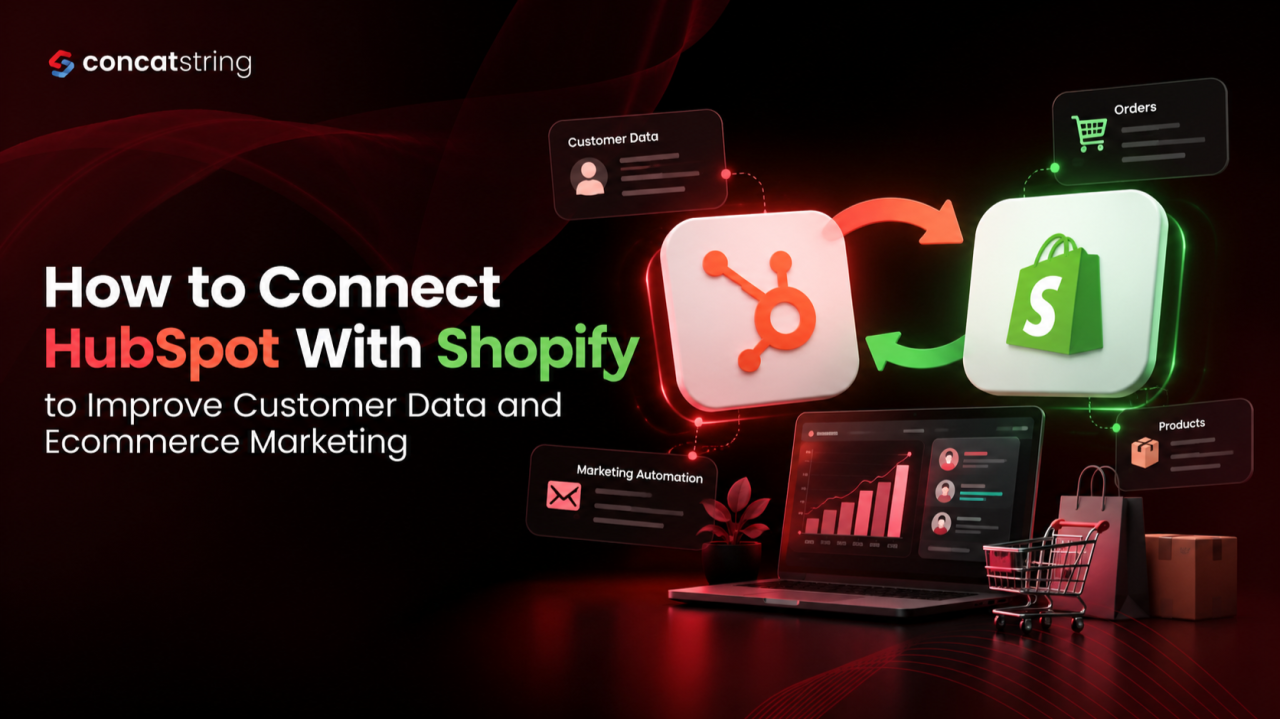
Your Shopify store can tell you what customers buy, while HubSpot can help you understand how they interact with your brand. When these platforms work together, your marketing becomes more connected to actual shopping behaviour. A properly configured HubSpot Shopify integration helps ecommerce businesses synchronize customer, product, order, and cart data, making it easier to personalize campaigns, recover abandoned checkouts, and measure marketing performance. The real opportunity is not simply connecting two tools. It is using the information they share to create better customer experiences and more informed business decisions.
Table of Contents
Use AI to summarize this article
Why Connect HubSpot With Shopify?
Running an ecommerce business involves more than attracting visitors and processing orders. You also need to understand what customers want, which campaigns influence purchases, and what encourages them to return.
Shopify manages essential ecommerce activities, including products, customers, and orders. HubSpot adds CRM capabilities that help teams organize customer relationships, segment audiences, automate marketing activities, and report on engagement.
Without an effective integration, your team may have to switch between platforms or rely on manually maintained spreadsheets. This makes it harder to build a consistent picture of customer behaviour.
According to HubSpot’s official Shopify integration documentation, the integration can synchronize supported customer, product, order, and cart information. Businesses can use this data to create customer segments, personalize marketing, and analyze ecommerce performance.
The result is a more connected marketing workflow, provided the data synchronization and campaign settings are configured correctly.
How Does HubSpot Shopify Integration Work?
The integration connects your Shopify store with HubSpot through the Shopify Data Sync app. Once configured, supported records move between the platforms according to the selected synchronization rules.
Customer and Contact Synchronization
Shopify customer records can synchronize with HubSpot contact records, helping marketing teams build a more useful customer database. Instead of treating every subscriber as an unfamiliar lead, you can use available purchase information to understand their relationship with your business.
For example, a customer who has purchased skincare products several times may respond better to a replenishment reminder than a generic welcome email. A new customer, meanwhile, might benefit from product education and guidance on getting started.
HubSpot matches customer and contact records using email addresses. Reviewing duplicate records and ensuring email information is consistent can help maintain cleaner data.
Product, Order, and Cart Data
The integration supports product synchronization and one way synchronization of Shopify orders and abandoned checkout information into HubSpot. These records provide context for understanding what customers purchase and where they leave the buying journey.
This information can support purchase based audience segmentation, customer follow ups, and ecommerce reporting. However, not every field or record behaves identically across the two platforms, so reviewing the available field mappings before launch is important.
Official resource: Connect HubSpot and Shopify using Data Sync
How to Connect HubSpot With Shopify Step by Step
Connecting the platforms is relatively straightforward, but the setup deserves attention. A rushed integration can leave teams with duplicate records, missing fields, or workflows that do not reflect actual customer activity.
Step 1: Install the Shopify Integration
Log in to HubSpot and open the HubSpot Marketplace. Search for Shopify, select the appropriate integration, and click Install. Enter your Shopify store URL and authorize the connection using your Shopify account when prompted.
Make sure you have the necessary HubSpot permissions to install connected apps. If your business operates multiple Shopify stores, review the account connection settings to ensure you connect the correct storefronts.
Step 2: Configure Your Data Sync Settings
After installation, navigate to Settings, then Integrations, then Connected Apps. Open Shopify and select the CRM syncs tab. Choose Set up your sync and select the objects you want to synchronize.
Review the available options for contacts and customers, products, orders, and carts. Check the synchronization direction, filters, and field mappings before enabling each sync.
HubSpot documentation states that supported records generally synchronize automatically after the initial sync, with subsequent changes typically syncing within approximately ten minutes. Actual timing can vary, so verify the connection before relying on it for time sensitive campaigns.
Step 3: Review Field Mapping and Data Quality
Do not assume that every Shopify field automatically appears in HubSpot. Check which fields are supported and whether your business requires additional custom mappings.
HubSpot requires at least a Data Hub Starter subscription for custom field mappings. Shopify metafields are not supported through the standard Shopify Data Sync app, so businesses relying on custom product or customer attributes should evaluate their integration requirements before proceeding.
Review email addresses, customer records, order associations, and existing imports to identify potential duplicates. This is especially important when migrating historical customer information into an established CRM.
Step 4: Test the Integration Before Launch
Place a test order where appropriate, review the resulting records in HubSpot, and confirm that customer and order associations behave as expected. Check that the relevant fields contain accurate information and that your workflows respond to the intended triggers.
Testing also helps identify issues with customer consent, segmentation rules, and email suppression settings before they affect a larger audience.
How to Improve Ecommerce Marketing With HubSpot and Shopify
Connecting the platforms creates the foundation. The real value comes from using synchronized data to make marketing more relevant.
Recover Abandoned Carts With Relevant Follow Ups
A shopper might add products to their cart and leave before completing checkout. With supported abandoned checkout information available in HubSpot, your team can explore suitable recovery campaigns for eligible contacts.
Rather than sending the same message to everyone, tailor the content to the shopping context. A reminder that explains product benefits or answers common purchase questions may be more helpful than a generic discount.
Before activating a workflow, verify that the necessary checkout data is available, the customer meets your eligibility rules, and the campaign complies with applicable marketing consent requirements.
Build Smarter Customer Segments
Customer segmentation helps businesses move beyond sending identical promotions to their entire mailing list.
With synchronized ecommerce data, you can develop audiences based on purchase history, order activity, and other supported CRM properties. Depending on your data and HubSpot subscription, useful segments may include first time buyers, repeat customers, high value customers, and shoppers who have not purchased recently.
Each segment should have a clear purpose. For instance, repeat customers might receive early access to a relevant collection, while new buyers could receive product education and useful onboarding content.
The objective is to make every campaign more relevant without overwhelming customers with unnecessary messages.
Personalize Campaigns Around Customer Behaviour
Personalization becomes more useful when it reflects genuine customer needs rather than simply inserting a first name into an email.
Suppose a customer regularly purchases a particular product category. Your team could use eligible purchase data to develop relevant educational content, complementary product recommendations, or reminders based on the product's typical usage cycle.
These campaigns should reflect real purchasing patterns and sensible timing. Avoid assuming that every previous purchase indicates an immediate need for another one.
Measure What Drives Revenue
A connected CRM and ecommerce platform can help teams evaluate campaign engagement alongside available order data. HubSpot also provides ecommerce reporting options and Shopify information on contact records.
Use these insights to understand which segments purchase, which campaigns encourage repeat orders, and where customers disengage. Compare campaign performance against meaningful business measures such as conversion rate, average order value, repeat purchase rate, and revenue attributed under your chosen measurement method.
Attribution has limitations. A customer may interact with several channels before buying, so do not automatically credit a single email or advertisement with the entire sale.
Common HubSpot Shopify Integration Mistakes to Avoid
The most common problems often come from how the integration is configured rather than the connection itself.
First, avoid enabling every possible synchronization option without understanding what the data represents. Decide which information your marketing and sales teams actually need.
Second, do not overlook duplicate records. Existing imports and overlapping synchronization processes can create additional records, particularly for orders and carts. Review the integration's matching rules before importing historical data.
Third, avoid launching automated campaigns without testing their triggers. An incorrect filter can send an abandoned cart email to the wrong audience or repeatedly contact someone who has already purchased.
Finally, treat customer consent and data protection as part of the implementation. Collect and use personal information responsibly, respect applicable marketing preferences, and review the privacy requirements relevant to your customers and markets.
For additional technical guidance, consult the HubSpot Data Sync documentation.
Is the Native Integration Enough for Your Ecommerce Business?
For many stores, the native integration is a sensible starting point. It provides a practical way to connect supported ecommerce records with HubSpot without immediately investing in a custom integration.
However, more complex businesses may need additional development. This can include custom data transformations, specialized reporting, integration with other business systems, or workflows that depend on information unavailable through standard synchronization.
The right approach depends on your store's complexity, data requirements, marketing processes, and existing technology stack. Before investing in additional tools, identify the specific gap you need to solve and establish how success will be measured.
Conclusion
A well configured HubSpot Shopify integration helps ecommerce businesses connect shopping activity with customer relationship management and marketing. From more relevant customer segments to better checkout recovery and clearer reporting, the benefits come from turning synchronized data into useful decisions.
Start with a clean integration, verify your field mappings, test your workflows, and measure the results against meaningful business goals. As your store grows, review whether the standard integration continues to meet your requirements or whether a more tailored solution would deliver greater value.
Want to Make Your Ecommerce Technology Work Smarter?
At Concatstring, we help businesses build and improve digital experiences through website development, ecommerce solutions, CRM integration, and connected marketing technology. Whether you are connecting Shopify with HubSpot or planning a more scalable ecommerce setup, our team can help align your technology with your business goals.
Ready to build a more connected ecommerce experience?
Explore Concatstring's website development services and discuss your next project with our team.
FAQs