Table of Contents
Use AI to summarize this article
What is SaaS?
Software as a Service (SaaS) is a cloud-based model of delivering software over the Internet. In simple terms, the software is hosted on servers in the cloud, and you access it through a web browser or an app. For example, Gmail or Office 365 are SaaS tools – you never install anything locally, you just sign in online. Customers usually pay a subscription fee (monthly or yearly) rather than buying a one-time license. This subscription covers using the software and any updates. The key differences versus traditional software are:
- No installation or updates needed: The provider installs and updates the app on their servers. Users always see the current version without manual downloads.
- Anytime, anywhere access: You can use SaaS apps on any device with Internet (PC, tablet, phone). This mobility is a big advantage over desktop-only programs.
- Scalability on demand: Because SaaS is cloud-hosted, it can instantly scale up if more users join or down if demand falls.
- Subscription pricing: Instead of a huge upfront cost, you pay gradually (often per user or feature). This makes budgeting easier for businesses.
In short, SaaS application development means building your software so it lives online, is multi-tenant (serving many customers on shared infrastructure), and uses a subscription business model. It’s a modern way to deliver software that is flexible and cost-effective for end users.
Types of SaaS Applications
SaaS covers many categories of apps. Here are some common types with examples:
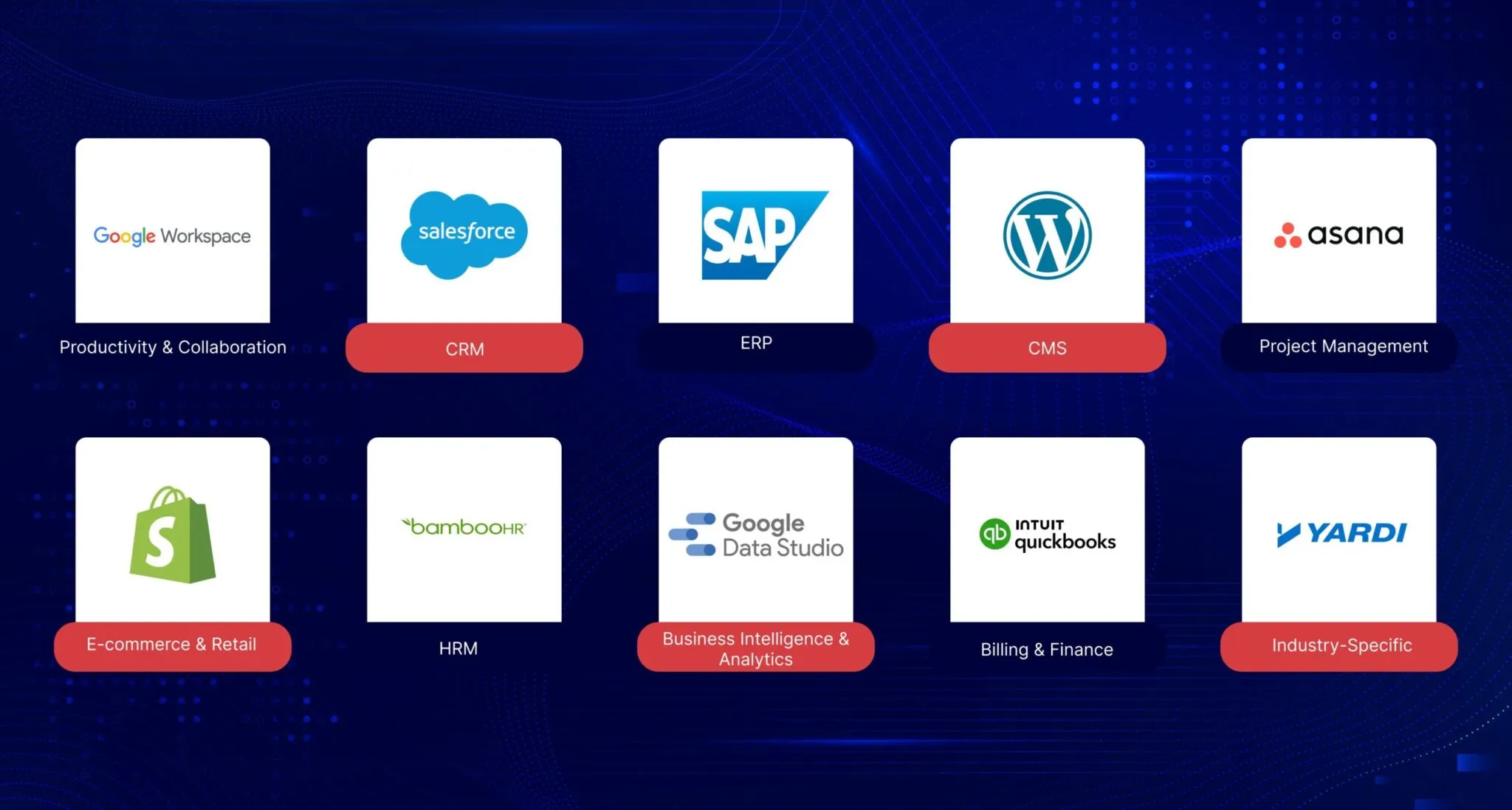
- Productivity & Collaboration: Cloud-based office suites and team tools. Examples: Google Workspace (Gmail, Docs, Sheets), Dropbox (file sharing), Slack or Microsoft Teams (team chat), and Trello (project boards).
- Customer Relationship Management (CRM): Tools for managing sales pipelines, customer contacts, and marketing. Examples: Salesforce, HubSpot CRM, Zoho CRM.
- Enterprise Resource Planning (ERP): Integrated systems for core business processes (finance, inventory, HR). Examples: NetSuite, Workday, SAP S/4HANA Cloud.
- Content Management Systems (CMS): Platforms for building and managing websites or blogs without coding. Examples: WordPress, Wix, Squarespace.
- Project Management: Software to plan and track team projects. Examples: Asana, Jira, Basecamp, Confluence.
- E-commerce & Retail: Online store builders and marketplaces. Examples: Shopify (online shop), BigCommerce, Magento (cloud edition).
- Human Resources (HRM): Apps for recruiting, payroll, benefits, and performance. Examples: BambooHR, Zenefits, Workday.
- Business Intelligence & Analytics: Reporting and data visualization. Examples: Tableau, Microsoft Power BI, Google Data Studio.
- Billing & Finance: Tools for invoicing, payments, and accounting. Examples: Stripe (payment platform), QuickBooks Online, Xero.
- Industry-Specific (Vertical SaaS): Specialized tools for particular sectors. Examples: Veeva (life sciences CRM), Yardi (property management), Shopify’s B2B platform for distributors.
These categories illustrate how diverse SaaS can be. Each type solves a specific set of problems for businesses or consumers.
Why Do Users Love SaaS Apps?
SaaS applications have become hugely popular because they solve common headaches for users:
- Easy onboarding: Users can quickly try a SaaS app, often with a free trial or freemium version, and start working instantly without any installation.
- Lower upfront cost: Subscription pricing means no large upfront license fees. This makes powerful software affordable for small businesses.
- Automatic updates: The SaaS provider handles all updates and patches. You always use the latest version without downtime or manual effort.
- Anywhere access: SaaS is accessed via the cloud, so users can log in from any device (laptop, phone, tablet). This flexibility is very convenient.
- Scalability: Users can easily add or remove features, seats, or storage as needs change. The software grows with the business without big transitions.
- Reduced IT work: Businesses don’t need to buy servers or hire a big IT team to maintain the software. The vendor takes care of hosting, security, and backups.
- Collaboration: Many SaaS tools are built for teams and make it easy to share data and work together in real-time.
In short, SaaS apps feel like getting a fully managed service – you get the value and features of sophisticated software, but without hassle.
Benefits of SaaS Development
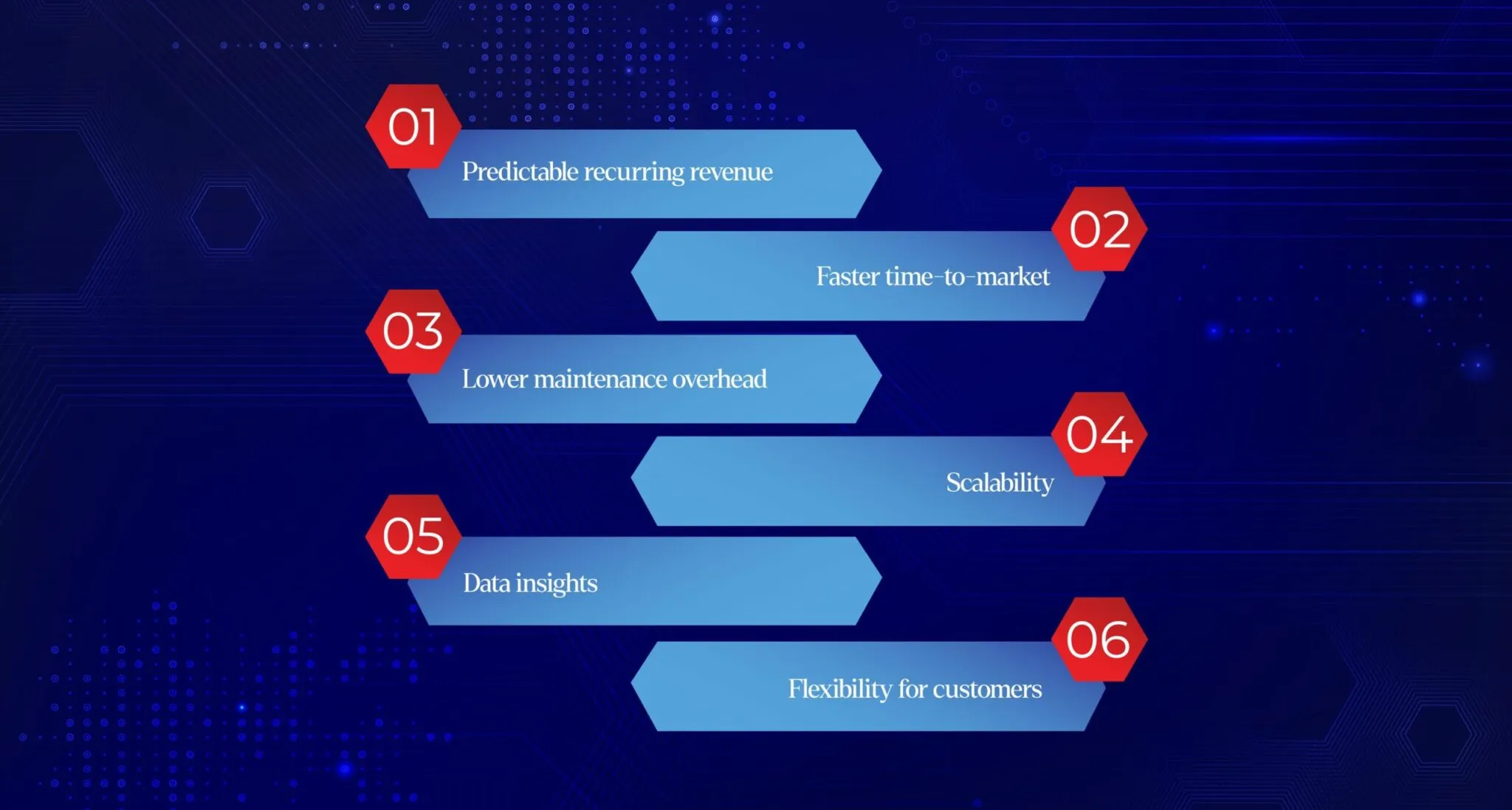
From a business or developer perspective, building SaaS applications also brings strong benefits:
- Predictable recurring revenue: Because customers pay subscriptions, you get a steady income stream. This helps with cash flow and planning.
- Faster time-to-market: Cloud deployment means you can release the app to users much sooner than traditional on-prem software. You skip setting up complex infrastructure.
- Lower maintenance overhead: You centrally update the app on your servers; there’s no need to support individual installations. This reduces ongoing support costs.
- Scalability: Cloud-based SaaS apps can easily scale up for more customers or features. Using platforms like AWS or Azure lets you add capacity on demand.
- Data insights: With a SaaS model, you often gather analytics across all users, letting you improve the product based on real usage patterns.
- Flexibility for customers: Offering a subscription with tiered plans or add-ons (flexible monetization) can attract more customers.
Overall, choosing SaaS development means leveraging modern cloud technology for more efficient delivery.
Key Features and Architecture of SaaS Applications
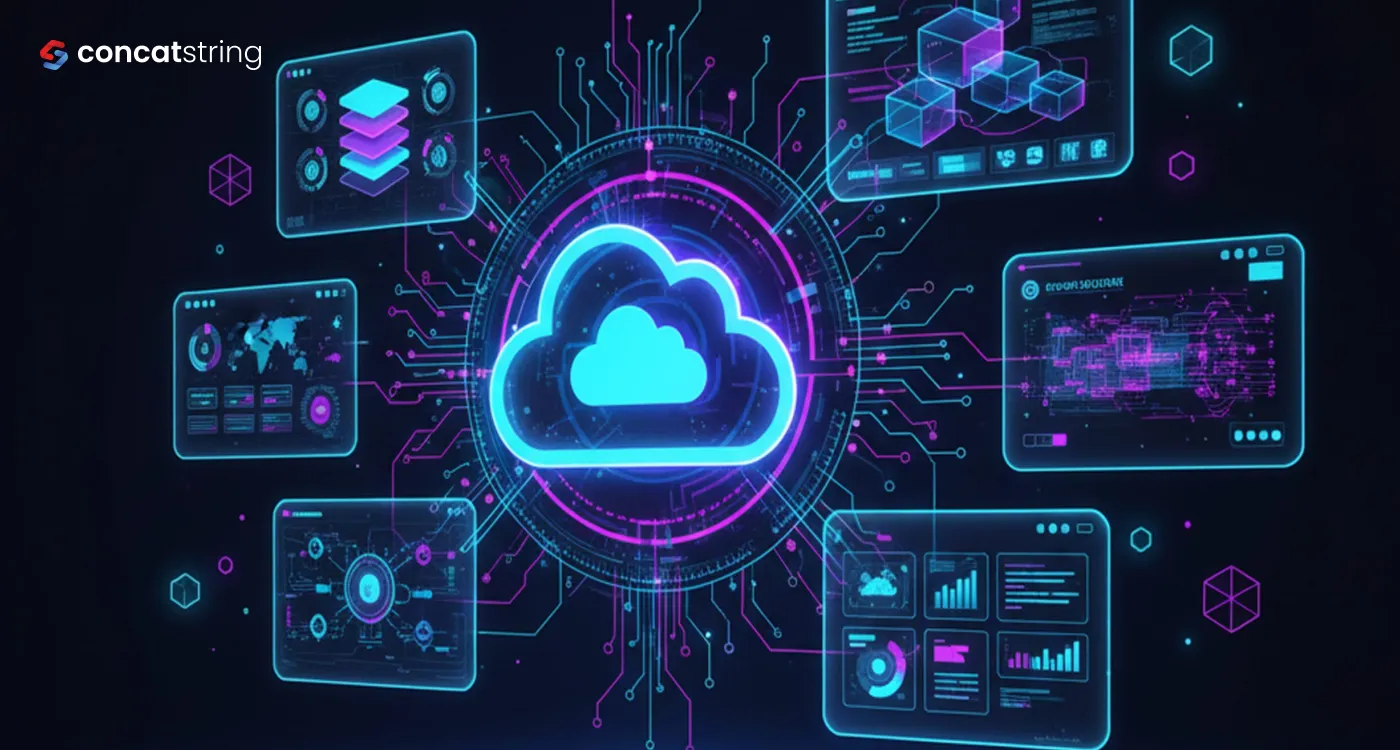
A defining feature of SaaS is multi-tenancy. In a multi-tenant architecture, multiple customers (tenants) share the same software instance and underlying infrastructure. Each tenant’s data is logically isolated, so it remains private and secure, but you only maintain one codebase. This makes upgrades and scaling much easier. By contrast, a single-tenant setup gives each customer a separate application instance and database; it’s simpler to launch, but much harder to scale to many clients.
Because SaaS apps run in the cloud, they use elastic infrastructure. For example, most SaaS solutions today run on platforms like AWS, Azure, or Google Cloud. These cloud services provide automatic scaling (adding servers when demand spikes) and global availability. This means your SaaS product can handle growth without a full redesign.
SaaS also emphasizes a great user experience. Since users access the app through a web or mobile interface, the UI/UX must be intuitive and responsive. Continuous delivery is common: the development team can push frequent updates and new features without disrupting users. Security and compliance are built in by design (encryption, backups, auditing) because the provider is responsible for all customers’ data. In short, SaaS application development typically involves a cloud-based, multi-tenant architecture with built-in security, automatic updates, and web/mobile user interfaces.
SaaS App Development Process: 8 Steps for Success
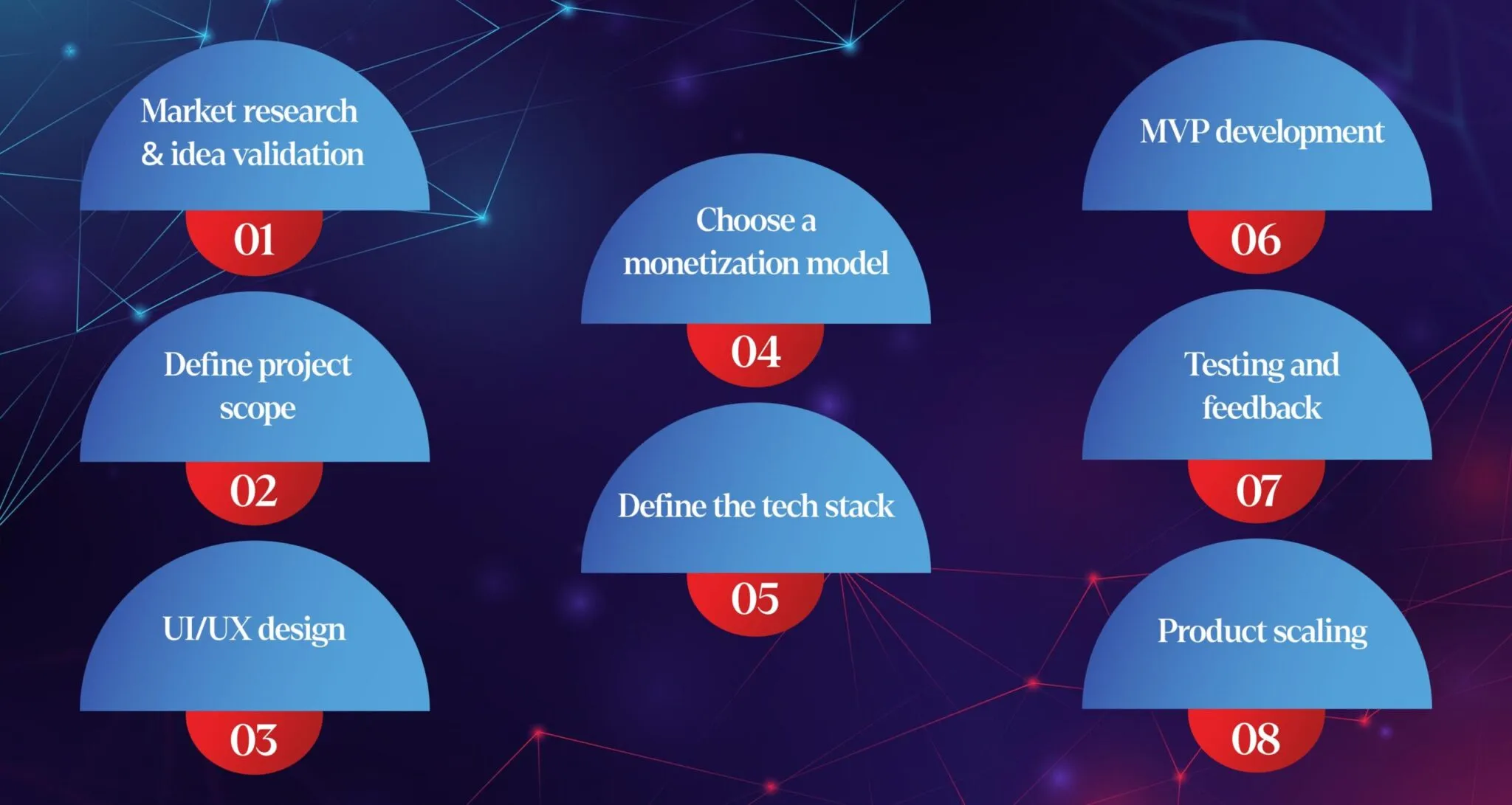
Building a SaaS product involves a structured process. Here are 8 key steps commonly followed:
- Market research & idea validation. Analyze the target market, user personas, and competitors to confirm there’s demand for your SaaS concept.
- Define project scope. Decide the core features for your minimum viable product (MVP) and prioritize them based on user needs and business goals.
- UI/UX design. Design a simple and intuitive interface. Create wireframes and prototypes to gather user feedback and refine the experience.
- Choose a monetization model. Select how you’ll make money: subscription plans, freemium, usage-based, or a hybrid. Pricing strategy can be tested to find the optimal model.
- Define the tech stack. Pick the front-end framework (React, Vue, etc.), back-end (Node.js, Python, etc.), database, and cloud services. These choices set the foundation for scalability and performance.
- MVP development. Build the core functionality quickly. Focus on delivering the essential features so you can test the idea with real users.
- Testing and feedback. Rigorously test the app (unit, integration, security, load tests). Use feedback loops (surveys, user interviews) to identify bugs and usability issues.
- Product scaling. After validating the MVP, expand the app by adding new features, optimizing performance, and improving the architecture to handle more users.
By following these steps, startups can minimize risks and build a SaaS application that truly meets market needs. A development partner or team will iterate through these phases, ensuring your product launches successfully.
Top 3 Challenges of SaaS App Development
SaaS development comes with unique challenges. The three biggest challenges often are:
- Data security & privacy. Since a SaaS app handles potentially sensitive user data, you must build strong protections. This includes encryption of data at rest and in transit, strict access controls (least privilege), and regular security audits. Compliance with regulations (e.g., GDPR, HIPAA) is critical. Planning these from day one is essential.
- Scalability & reliability. SaaS products must grow smoothly as more customers sign up. The architecture must be fault-tolerant (no single points of failure) and scalable (can handle spikes in traffic). This requires careful design and rigorous load testing. As one expert says, the app “must quickly scale to handle growing numbers of users and data”.
- Integration complexity. Most SaaS apps need to integrate with other systems (payment gateways, CRM tools, social login, analytics, etc.). Ensuring those connections are robust and secure can be hard. You need solid APIs and clear data flows. A partner without integration expertise can run into many headaches later.
Addressing these challenges early (good security practices, cloud infrastructure planning, skilled development) is key to a successful SaaS application.
Cost of SaaS Application Development
Developing a SaaS app requires a significant investment. As a rule of thumb, initial development of a simple SaaS product can start around the tens of thousands of dollars, while a more complex, full-featured app can cost into the low hundreds of thousands. “As a general estimate, the initial development of a basic SaaS application can range from $25,000 to $250,000+, depending on complexity”.
To break this down: a lean MVP with core functions might land at $25K–$100K, whereas a feature-rich enterprise SaaS often starts around $100K–$250K+. On top of the build cost, remember ongoing expenses: hosting/cloud fees, maintenance, and updates typically run another 15–30% of the development cost each year.
Many factors affect cost: the number of features and user roles, data handling/security requirements, the need for custom integrations, and where your development team is located (rates vary globally). For example, apps handling financial or healthcare data will need advanced security, pushing costs higher. Outsourcing to different regions or using pre-built SaaS frameworks can also change the price.
In short, expect to budget at least tens of thousands for a basic SaaS MVP, and be prepared for a higher range if you aim for a robust, full-scale product.
SaaS Application Development – Our Experience
Final Words
SaaS application development is booming, and having an experienced partner can make all the difference. With our knowledge of SaaS architecture and cloud development, we ensure your solution is not just a trendy idea but a truly functional and profitable product. Ready to transform your vision into a scalable SaaS platform? Contact us today to start building a solution that sets you apart in the market and delivers lasting value. Let’s work together to make your SaaS app a success.
Looking for a reliable partner?
Concatstring delivers end-to-end SaaS development with scalable cloud architecture, strong security, and high-performance engineering. If you want a powerful, future-ready SaaS product, Concatstring is the team that builds it right.